
Why Vertical Video Wins Now
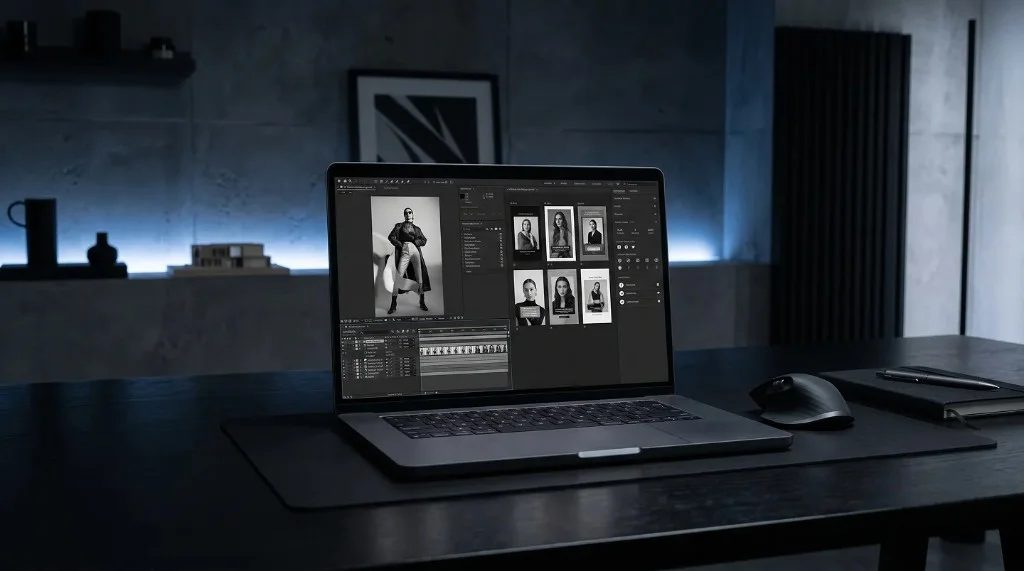
Vertical video matches how people actually watch content on phones. Learn why full-screen 9:16 video wins in feeds, and how to create vertical motion content from scratch.
Learn MoreVertical video matches how people actually watch content on phones. Learn why full-screen 9:16 video wins in feeds, and how to create vertical motion content from scratch.
Learn More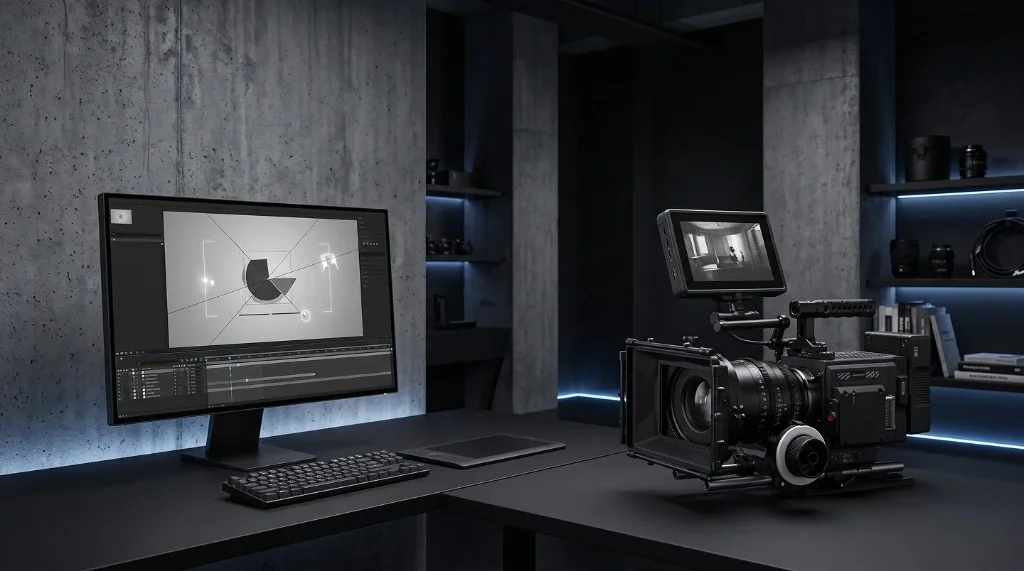
Motion graphics and live action send different signals to viewers. Learn when each format works best, when to combine them, and how to choose for your next project.
Learn More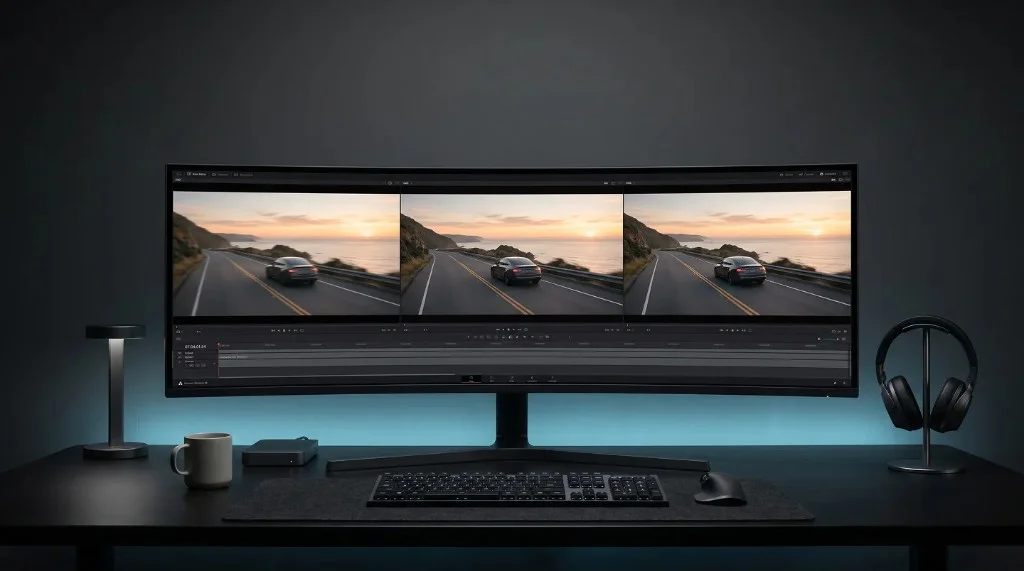
Frame rate changes how motion feels on screen. Compare 24fps, 30fps, and 60fps to see when each works best for cinematic clips, everyday video, and smooth UI mockups.
Learn More
A seamless loop hides where the video starts and ends. Learn how to match frames, keep pacing smooth, avoid common mistakes, and test loops before publishing.
Learn More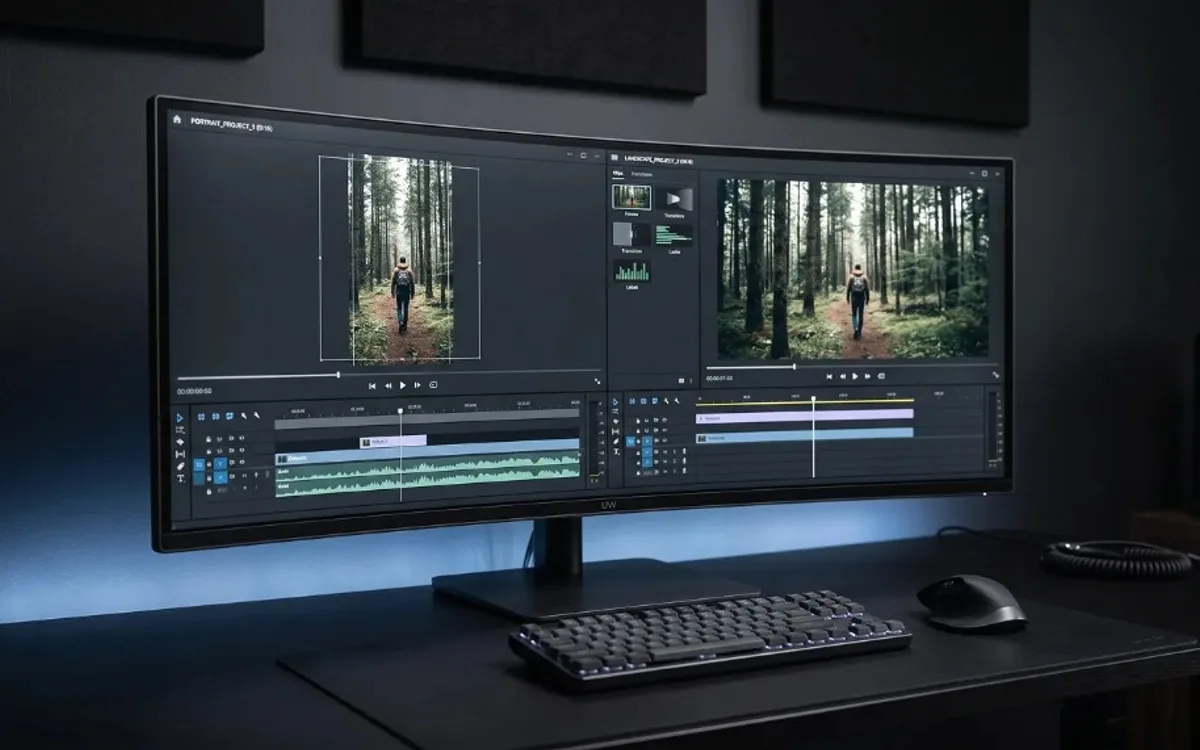
Video orientation shapes where content works best. Learn the difference between portrait, landscape, and square formats, and how to choose the right one for each platform.
Learn More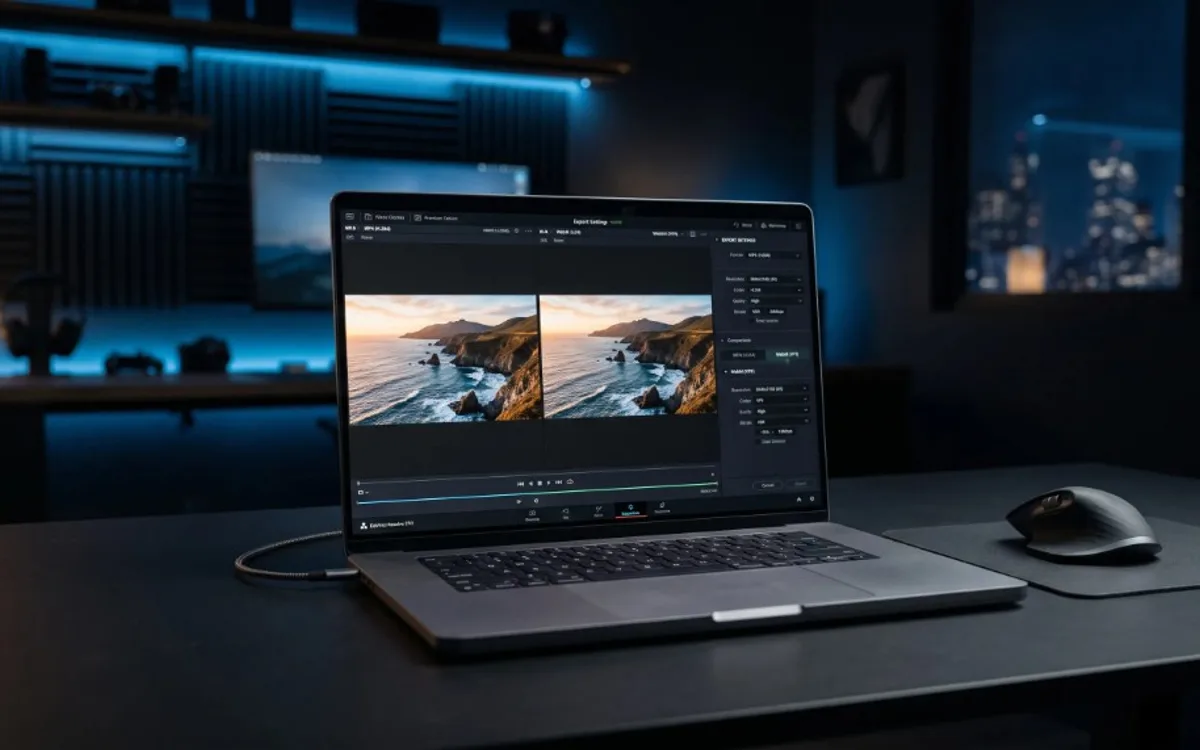
MP4 and WebM are both common video formats, but they behave differently. Learn how compatibility, file size, and transparency support compare, and when to use each.
Learn More
Resolution is how many pixels make up a video. Learn what 720p, 1080p, and 4K mean, how resolution differs from aspect ratio, and how to pick the right export setting.
Learn More
Keyframes, easing, loops, and compositing—motion design has its own vocabulary. Learn the terms you'll hear most often, explained in plain language.
Learn More
Aspect ratio is the shape of your video or image. Learn what 16:9, 9:16, 1:1, and 4:5 mean, and how to pick the right one for each platform.
Learn More
Motion design brings still images and shapes to life through movement. Learn what it is, where it is used, and how to start without animation software.
Learn More
Motion design and animation are related but not the same. Learn the difference, when each one fits your goals, and how to create motion design without animation skills.
Learn More
Frame rate is how many images a video shows per second. Learn what 24, 30, and 60fps mean, when to use each, and how to export smooth video without manual settings.
Learn MoreNo guides match your filters. Try another category or search term.