Portrait video (9:16) is built for phones and works best for Stories, Reels, TikTok, and other mobile-first content. Landscape video (16:9) suits YouTube, websites, and presentations viewed on larger screens. The right choice comes down to where the video will actually be watched.
Here’s how each orientation works, and how to choose without guessing.
What Orientation Actually Means
Orientation simply describes the shape of the video frame:
- Landscape — wider than it is tall (like 16:9), the traditional shape of TVs and computer monitors
- Portrait — taller than it is wide (like 9:16), the shape most phones default to when held upright
- Square — equal width and height (1:1), a middle ground that works reasonably well across formats
Each shape isn’t just a technical detail — it changes how much of a scene the viewer sees and how the eye moves across it.
Landscape: The Traditional Choice
Landscape video mirrors how human eyes naturally see the world — side to side. It’s the standard format for:
- YouTube videos
- Desktop and website content
- Presentations and tutorials
- Anything meant to be viewed on a larger screen
Landscape gives more horizontal space, which makes it a strong choice for showing multiple elements side by side, wide environments, or content originally filmed with a traditional camera.
Portrait: Built for Mobile
Portrait video exists because of how people actually hold their phones. Most of the time, a phone stays upright in one hand, and turning it sideways for a video is friction most viewers won’t bother with.
Portrait has become the standard for:
- Instagram and TikTok content
- Stories and Reels
- Vertical app screen recordings
- Mobile-first advertising
Because so much scrolling happens on phones, portrait video fills the entire screen without requiring the viewer to rotate their device, which keeps the content frictionless and immediate.
Square: The Safe Middle Ground
Square video isn’t as common as it once was, but it still has a use case: when a video needs to look decent in more than one placement without major cropping. It works reasonably well in both mobile feeds and slightly narrower desktop placements, though it rarely feels optimized for either.
Choosing the Right Orientation
The right choice comes down to one question: where will this video actually be seen?
- Posting on social media or mobile apps → portrait
- Publishing on YouTube, a website, or a presentation → landscape
- Repurposing across multiple platforms → consider creating both versions instead of relying on square as a compromise
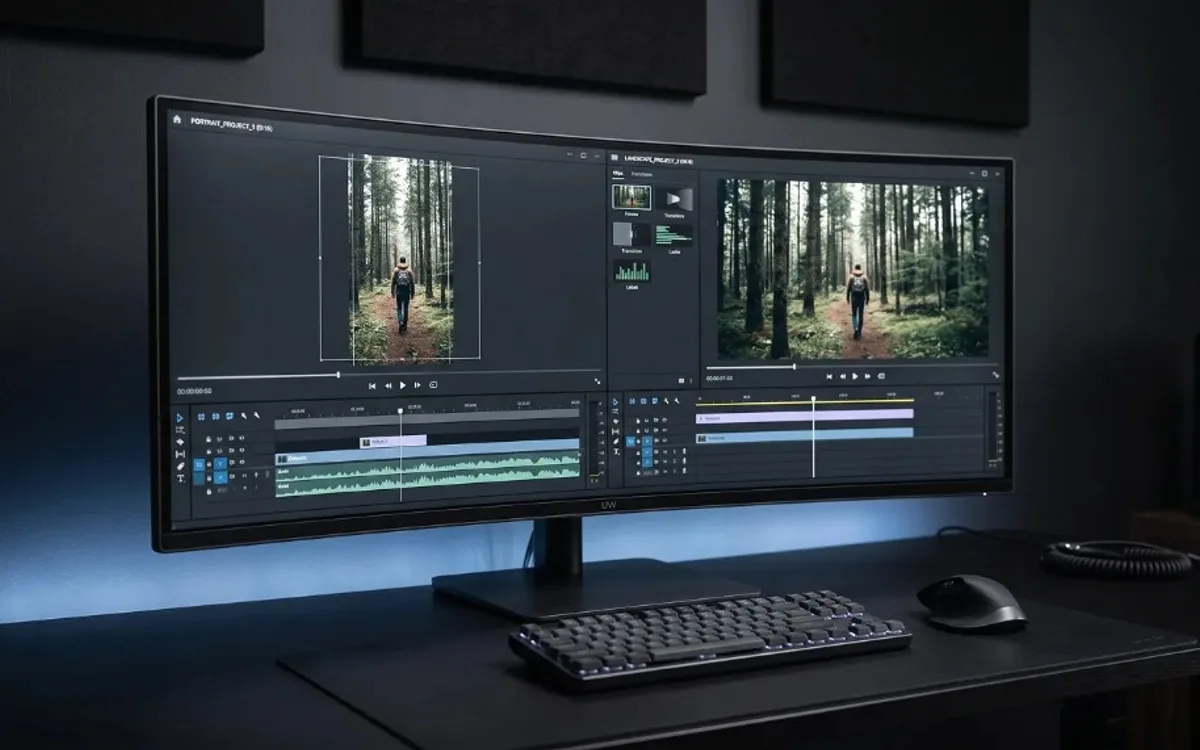
A common mistake is designing a video for one orientation and then cropping it for another. Cropping a landscape video into portrait often cuts off important visual elements, and stretching a portrait video into landscape leaves awkward empty space on the sides. Whenever possible, it’s better to design or export separately for each orientation from the start.
Orientation and Mockups
This is especially relevant when showcasing app or product designs. A mobile app mockup naturally belongs in portrait, since that’s how it will actually be used. A desktop dashboard, on the other hand, makes far more sense in landscape. Matching orientation to the real-world device the design is meant for makes the presentation feel accurate and intentional, rather than forced into a shape that doesn’t fit the content.
Frequently Asked Questions
Should I shoot video in portrait or landscape?
It depends on where it will be posted. Choose portrait for Instagram, TikTok, Stories, and Reels, and landscape for YouTube, websites, and presentations.
What orientation works best for Instagram and TikTok?
Portrait (9:16). It fills the entire phone screen without requiring viewers to rotate their device.
Can I crop a landscape video into portrait?
You can, but it often cuts off important visual elements. It’s better to design or export separately for each orientation from the start.
What orientation should app or product mockups use?
Match the real device. Mobile app mockups belong in portrait, since that’s how the app is actually used, while desktop dashboards look more natural in landscape.
Design for the Screen It Will Be Watched On
Orientation isn’t just a technical setting — it’s a decision about where and how a video will actually be watched. Landscape suits traditional, larger screens. Portrait suits the mobile-first world most people scroll through daily. Choosing correctly from the start saves rework later and makes sure every video looks intentional, not squeezed into a shape it wasn’t built for.