Motion design is the practice of animating still images, text, shapes, and logos to create movement that communicates a message, mood, or brand feel. It sits between a static photo and a full animated film, with no characters or story required. You have likely already seen it in bouncing logos, spinning product shots, and photos that glide into place on Instagram.
It has become one of the most useful skills for creators, marketers, and small businesses, largely because you no longer need animation software to use it.
Motion Design in Simple Words
Motion design is the art of bringing still images, text, and shapes to life through movement. Instead of a static picture, you get something that moves, transitions, or animates in a way that feels smooth and intentional.
Think of it as the middle ground between a photo and a full animated film. It does not need characters or a complex story. It just needs movement that grabs attention and communicates something quickly, whether that is a product feature, a brand mood, or a simple message.
You will find motion design in:
- Instagram and TikTok posts
- Website banners and product pages
- App store previews
- Online ads and promotional videos
- Presentation slides and pitch decks
Why Motion Design Works So Well
People scroll fast. A still image has to compete with dozens of other still images in a feed, and it is easy to scroll right past it. Movement, on the other hand, naturally catches the eye. Our brains are wired to notice things that change or move, which is exactly why a short animated clip tends to hold attention longer than a photo.
This is not just a creative trend. Brands and creators use motion because it works. A product shown in motion feels more real and more trustworthy than one shown in a single flat photo. A headline that slides into place feels more alive than plain text sitting on a page.
Do You Need to Be a Designer to Use Motion?
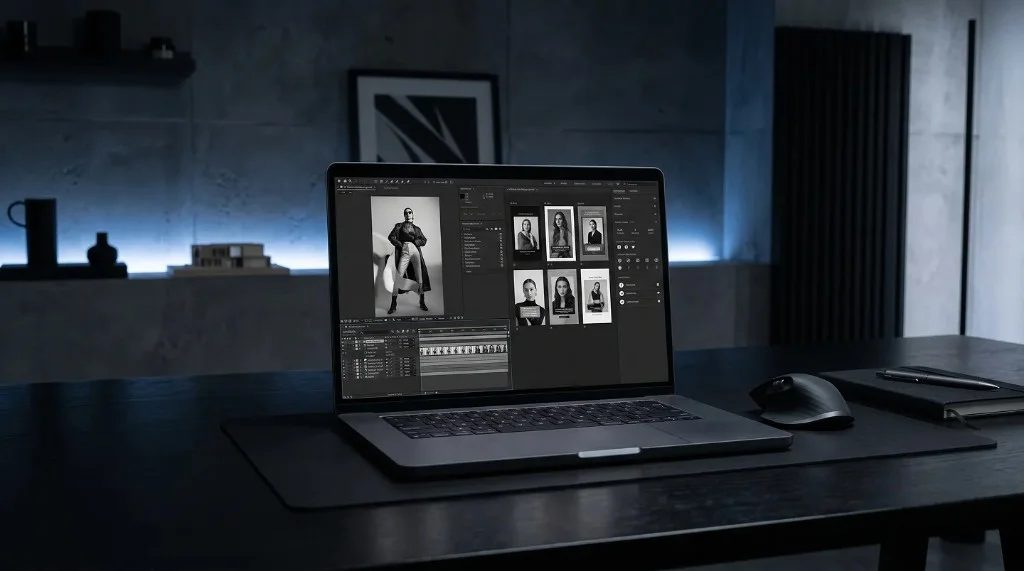
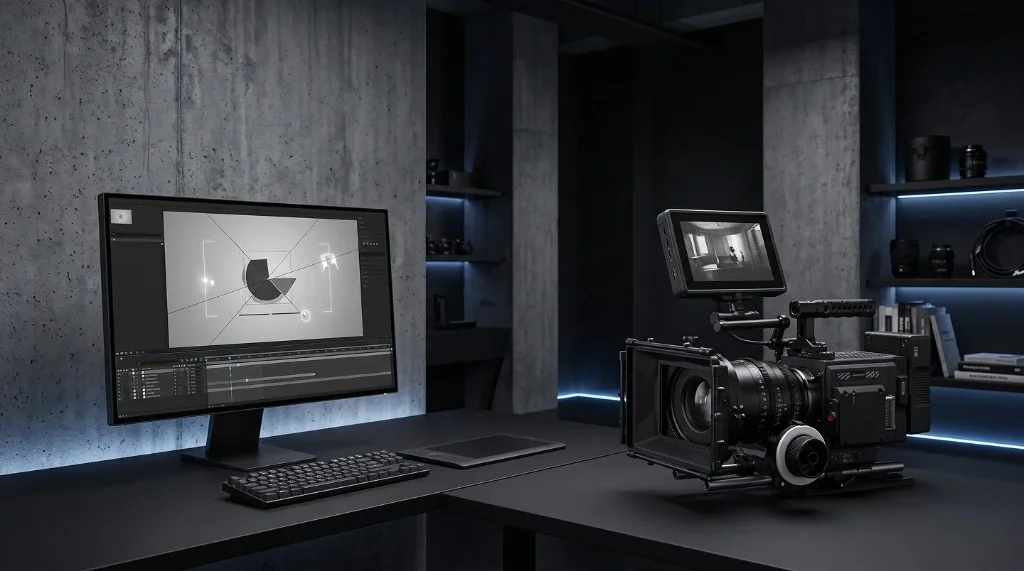
This is where a lot of people get stuck. For years, motion design meant learning complex animation software, understanding timelines, keyframes, and rendering settings. That kind of skill still has its place for big productions, but it is no longer a requirement for everyday motion content.
Today, ready-made motion templates let anyone create polished animated visuals without touching a timeline or learning animation theory. You simply choose a style, add your own images, and let the template handle the movement for you.
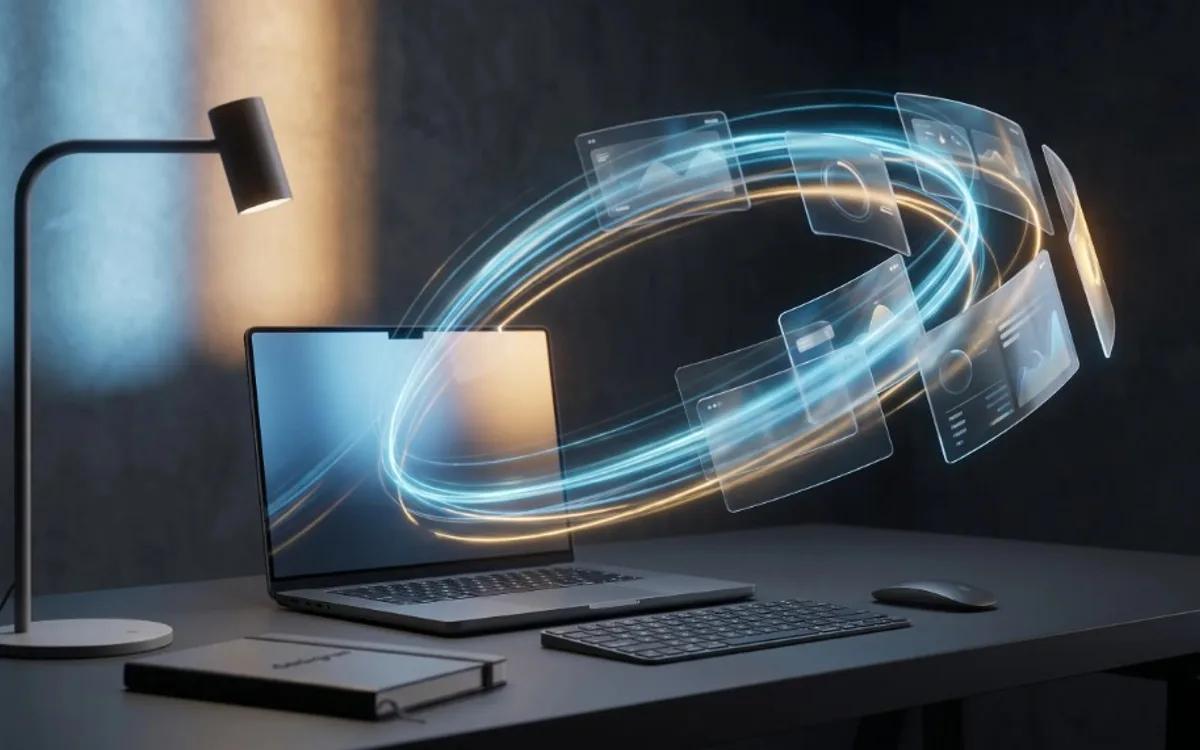
This is exactly the idea behind Frametion. Instead of building an animation from scratch, you pick a template such as a 3D ring, a card stack, or a carousel, drop in your own images, and preview the result instantly in your browser. There is no software to install and no animation experience required.
Common Types of Motion Content
Motion design covers a wide range of styles. Some of the most common ones you will run into are:
Product showcases – images of a product that rotate, stack, or slide to highlight different angles or features.
Social media loops – short animated clips that repeat seamlessly, often used on Instagram or TikTok to keep viewers watching.
App and website previews – animated mockups that show how an app or site looks in a more dynamic, realistic way.
Ad creatives – short motion clips designed to stop the scroll and promote a product or offer.
If you want to see what this looks like in practice, you can try building one yourself using the Frametion app, where templates are already set up for these exact use cases.
Motion Design vs Video Editing
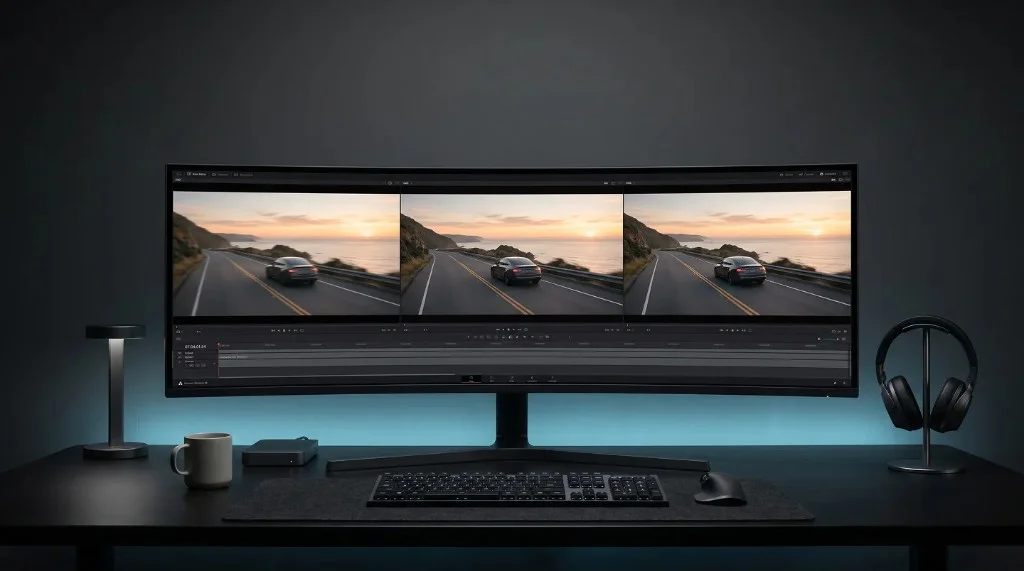
People often mix these two up, so it is worth a quick clarification. Video editing usually means cutting, trimming, and arranging existing video footage. Motion design, on the other hand, usually starts with still elements, like images, text, or shapes, and brings them to life through animation.
You do not need a camera or filmed footage to create motion design. A set of product photos, a logo, or even simple screenshots can become an engaging animated piece. This is one of the biggest reasons motion design has become so accessible. You can create strong visual content using assets you probably already have on your computer.
Getting Started with Motion Design
If you are new to this space, the easiest way to start is not by learning animation software. It is by experimenting with templates that already have the timing and movement figured out for you. This lets you focus on what actually matters: your images, your message, and your brand.
A simple starting workflow looks like this:
- Choose a motion template that fits the mood you want, such as playful, professional, or minimal.
- Upload your own images and adjust their position and size.
- Preview the animation live and make small adjustments until it feels right.
- Export the result as a video or as a still mockup, depending on where you plan to use it.
You can go through this entire process directly inside Frametion, without downloading any software or learning animation terms.
Frequently Asked Questions
What is motion design used for?
It’s used to make product showcases, social media posts, app previews, ad creatives, and presentation slides feel more engaging by adding movement to otherwise static visuals.
Is motion design the same as animation?
No. Animation is the broader craft of bringing anything to life through movement, including characters and stories. Motion design is a more focused type of animation built around graphic elements like text, shapes, and product images.
Do I need Adobe After Effects to do motion design?
Not anymore. Template-based tools like Frametion handle the timing and movement for you, so you can create motion content by uploading images instead of learning animation software.
How long does it take to learn motion design?
Learning traditional animation software can take months. Using ready-made motion templates, most people can produce a polished animated result in minutes, since the movement is already built in.
Is Motion Design Worth Learning Right Now?
Motion design is no longer reserved for big studios or professional animators. It has become a practical tool for anyone who wants their content to stand out, whether that is a small business owner, a freelancer, or a social media creator. Understanding the basics of what motion design is and why it works is the first step toward using it effectively in your own content.
If you are ready to try it out, explore the ready-made templates in the Frametion app and turn your own images into polished motion content in just a few minutes.