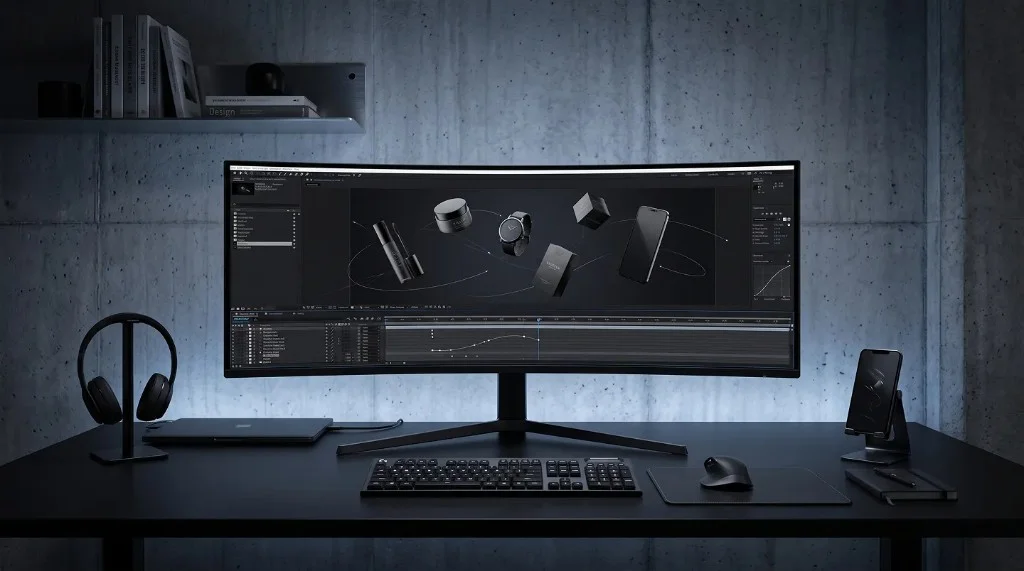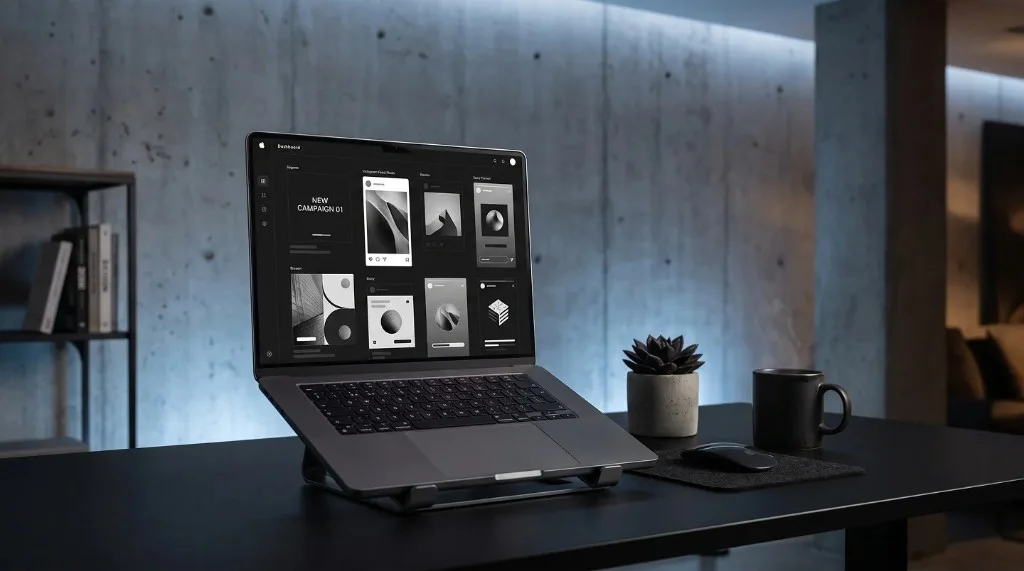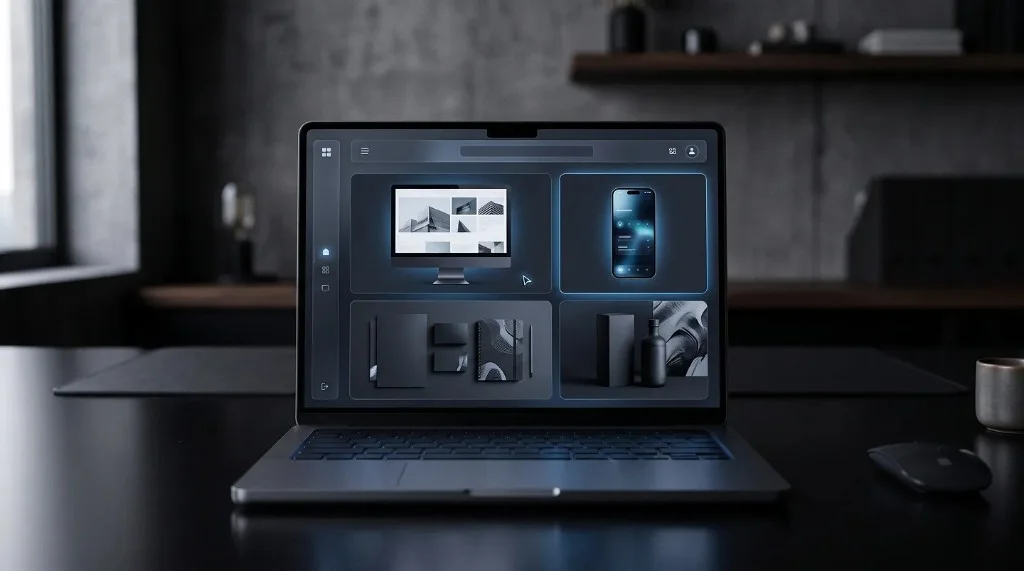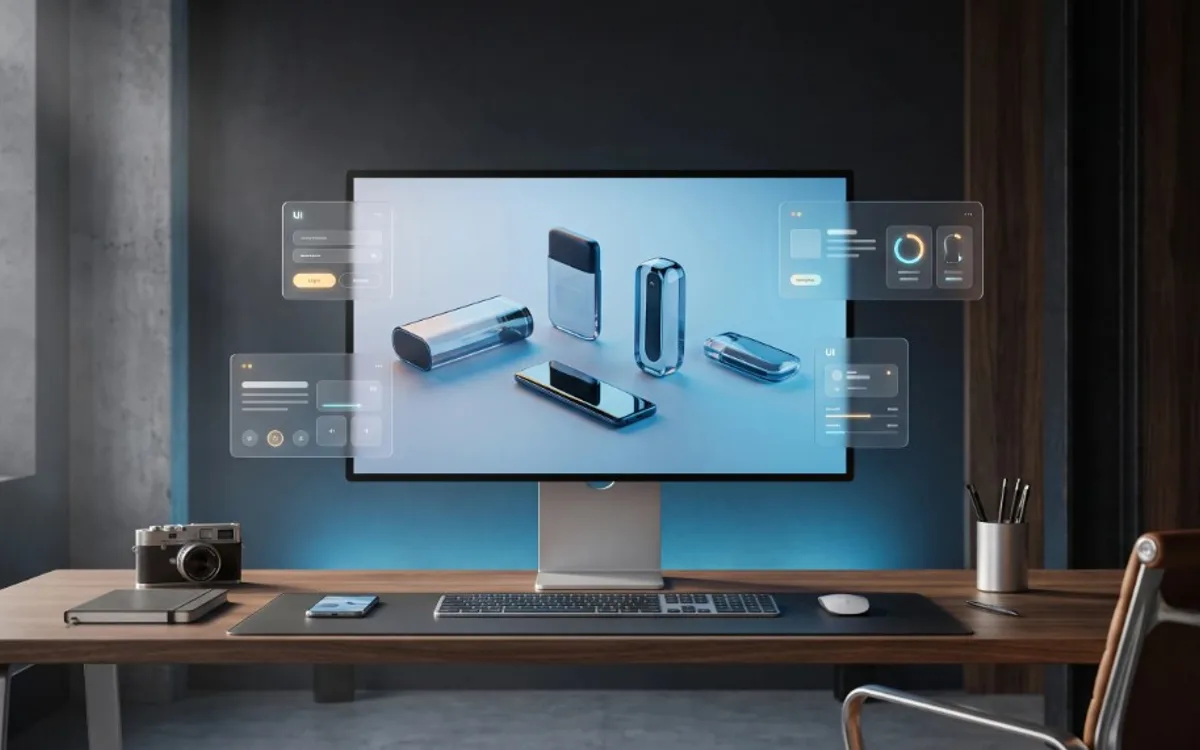
Mockups sell better because they remove the guesswork a flat image leaves behind. Seeing a product already placed in a realistic setting — worn, held, or displayed — makes it easier for a buyer to picture owning it and easier for a client to approve it. That combination of clarity and trust is why listings, portfolios, and pitches that use mockups tend to convert more often than ones using plain images.
People Buy What They Can Picture
One of the biggest challenges in selling anything, whether it is a t-shirt design, an app, or a service, is helping people imagine it in real life. A flat image on a plain background asks the viewer to do all the imagining themselves, and most people simply will not put in that effort while scrolling.
A mockup does that imagining for them. Instead of a flat design, they see it already placed in context: a shirt being worn, an app running on a phone, a poster hanging on a wall. This small shift removes friction from the decision-making process, since the viewer no longer has to guess what the final result will look like.
First Impressions Happen Fast
Whether someone is scrolling an online store, reviewing a portfolio, or looking at a pitch deck, their first impression forms within seconds. A plain, flat image tends to look unfinished or amateur, even if the actual design behind it is great.
A polished mockup signals professionalism immediately. It tells the viewer, without any words, that real effort went into presenting this product or design properly. That subtle signal builds trust before the viewer has even read a single word of description.
Mockups Reduce Perceived Risk
When people buy something they cannot physically hold or try on, like a digital product, a printed item, or a custom design, they are taking on a certain amount of risk. Will it look as good as described? Will it fit the space they have in mind?
A mockup lowers that risk in the buyer’s mind. Seeing a product in a realistic setting, rather than as a flat isolated image, makes it easier to trust that what they see is close to what they will actually get. This is part of why product listings with strong mockups tend to convert better than listings using plain screenshots or bare images.
Where This Matters Most
Mockups have the biggest impact on conversion in situations like:
Online stores – product listings with realistic mockups tend to build more confidence than plain flat images of the design alone.
Client pitches – showing a design inside a realistic mockup makes it far easier for a client to approve it quickly, since they do not have to imagine the final result themselves.
Portfolios – a mockup-based portfolio looks more like a collection of finished products than a folder of raw files, which tends to leave a stronger impression on potential clients.
App and software listings – screens shown inside a clean device mockup look more trustworthy than plain screenshots, especially on store listing pages.
Creating Mockups Without Design Skills
The idea of creating polished mockups might sound like it requires professional design software, but that is no longer the case. Ready-made templates now handle the framing, lighting, and layout for you, so all you need to do is add your own image.
With Frametion, you can upload a product photo, an app screen, or a design file into a template, adjust its position with simple sliders, and export a polished, high-resolution mockup as a PNG or JPG. If you need a transparent background to place your mockup into another layout, that option is available as well.
A simple process looks like this:
- Choose a mockup template that fits your product or design, such as a phone screen, apparel, or a card layout.
- Upload your image and adjust its size and position.
- Preview the result and make small adjustments until it looks right.
- Export the final mockup, ready to use in a listing, portfolio, or pitch.
You can complete this entire workflow inside the Frametion app, without opening any separate design software.
Frequently Asked Questions
Why do mockups convert better than plain images?
They remove the guesswork of imagining a product in real use, which lowers perceived risk and builds trust before a buyer reads any description.
Where do mockups have the biggest impact on sales?
Online stores, client pitches, portfolios, and app or software listings, since first impressions in these places form within seconds.
Do I need design skills to create a mockup?
No. Ready-made templates handle the framing, lighting, and layout — you only need to upload your own image and adjust it with simple sliders.
What file format should I export a mockup in?
PNG if you need a transparent background to place the mockup elsewhere, or JPG if it’s a finished, standalone image.
Making the Switch to Mockups
Mockups sell better because they remove guesswork. They help people picture a product or design in real life, build trust through a more polished presentation, and reduce the hesitation that often comes with buying or approving something they cannot physically hold.
If your listings, portfolio, or pitches are still relying on plain, flat images, upgrading to mockups is one of the simplest changes you can make. Explore the templates inside Frametion and turn your next image into a mockup that actually helps you sell.