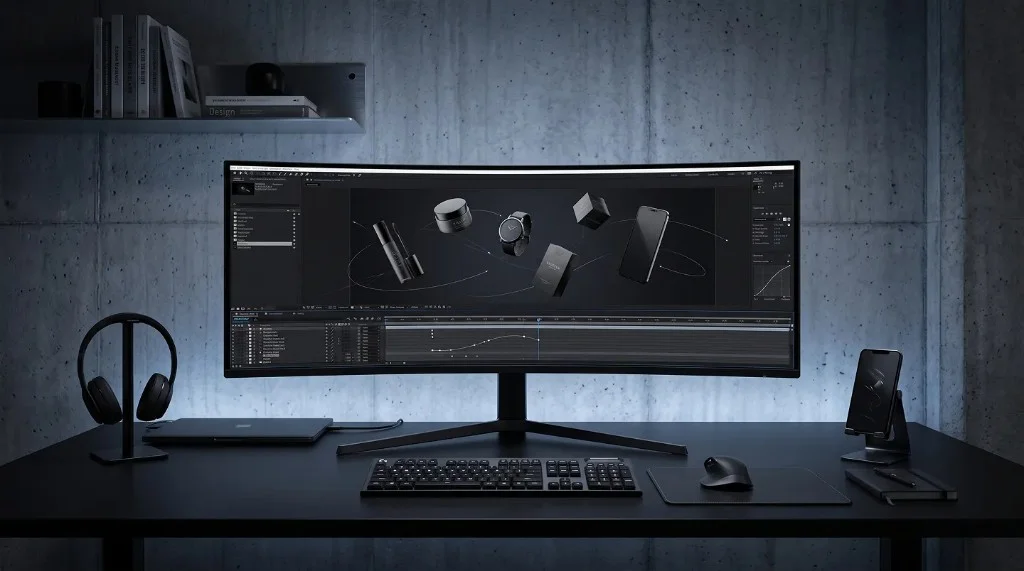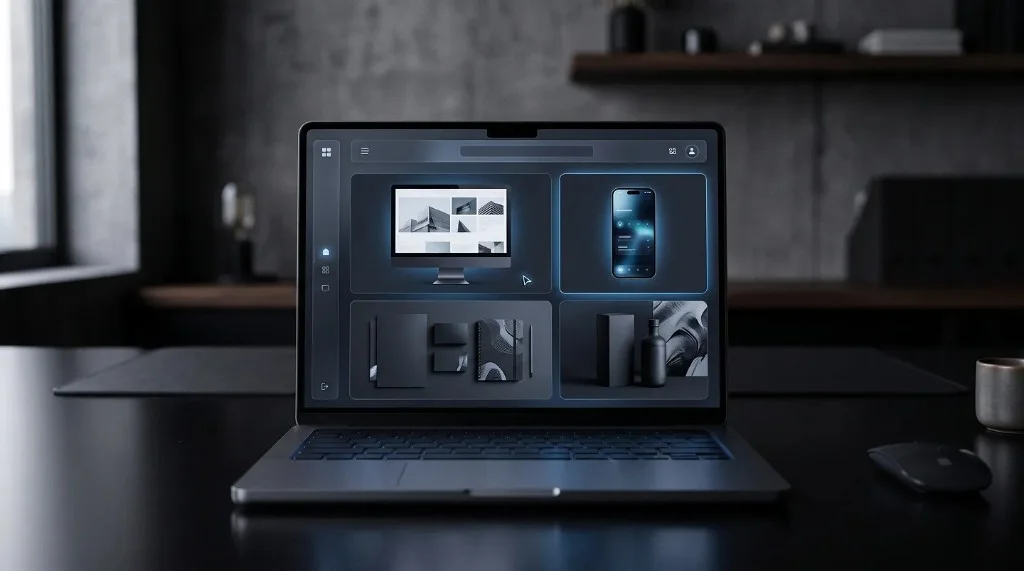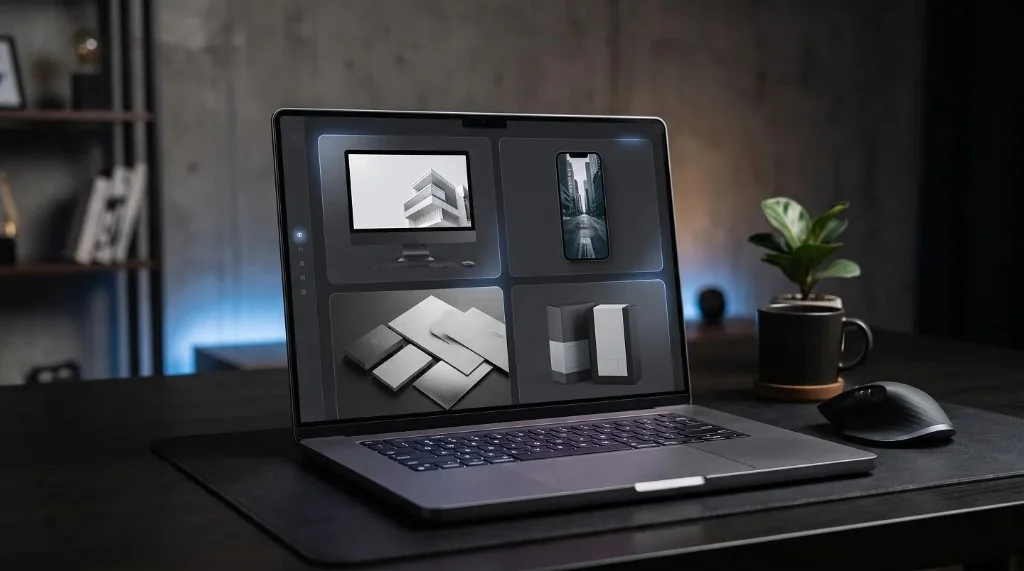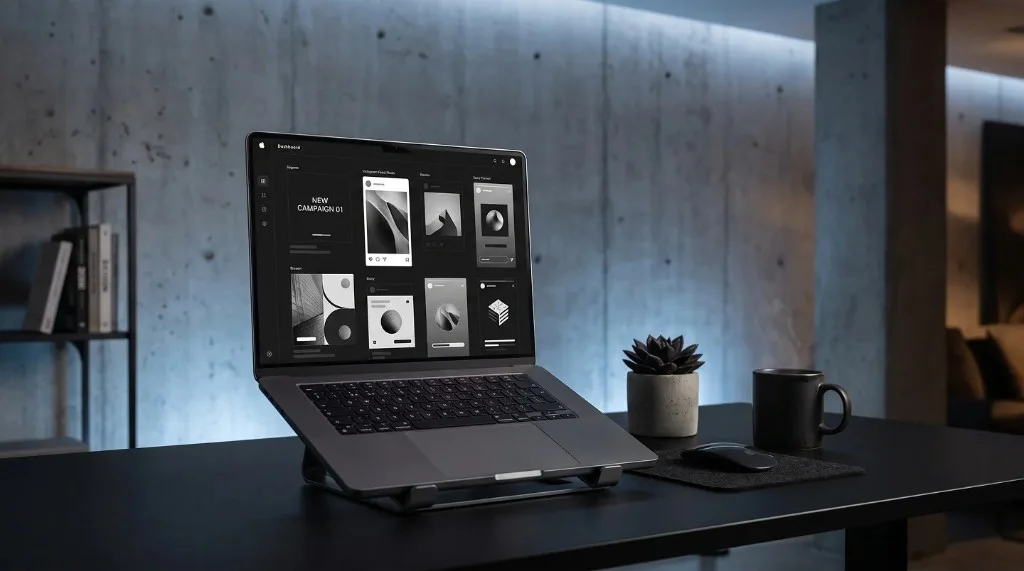
Mockups work for social media ads because they place a product or design inside a realistic setting — a phone in a hand, a poster on a wall — instead of showing it as a flat, isolated image. That realism makes an ad feel like a genuine moment rather than a graphic, which tends to stop more scrolls. The mockup style should also match the platform and format the ad will actually run in.
Why Ads Need More Than a Flat Image
A plain product photo or a flat design screenshot rarely stands out in a crowded feed. It looks static, disconnected from real life, and easy to ignore. Ads that perform well usually show the product or design in a realistic context: a phone in someone’s hand, a poster on a wall, a shirt being worn.
This is exactly what a mockup does. It takes your design and places it inside a real-world setting, making the ad feel less like a flat graphic and more like a genuine moment someone could picture themselves in. Tools like Frametion make this step simple, letting you drop your design into a ready-made scene without any editing software.
What Makes an Ad Mockup Work
A strong ad mockup usually has a few things in common: clean framing, realistic lighting, and a setting that matches the product’s actual use case. An app mockup shown on a phone screen feels far more trustworthy than a flat screenshot floating on a plain background.
The goal isn’t to overdesign the scene. It’s to remove the guesswork for the viewer, so they instantly understand what the product looks like in real use, without needing extra explanation in the caption.
Mockups for Different Platforms
Each platform favors different formats, so your mockup should match where the ad will actually run.
- Instagram and Facebook feed ads tend to perform well with square or 4:5 mockups that fill more of the screen.
- Stories and Reels ads need vertical, full-screen mockups, usually shown on a phone frame to feel native to the platform.
- Carousel ads benefit from a consistent mockup style across every card, so the sequence feels cohesive rather than random.
Adjusting a mockup for each of these formats used to mean redoing the design from scratch. With template-based tools, resizing and reframing a mockup for a new platform takes minutes instead of hours.
Building Trust With a Realistic Presentation
People are naturally skeptical of ads. A polished, realistic mockup helps counter that skepticism by making the product feel tangible and already in use, rather than just a marketing graphic. This small shift in presentation often has a bigger impact on click-through rates than the ad copy itself.
Quick Tips for Better Ad Mockups
- Match the mockup style to the platform’s native look and feel.
- Keep the background simple so the product stays the focus.
- Use consistent mockup styles across a campaign for brand recognition.
- Test both static and subtly animated mockups to see what earns more engagement.
Creating Ad Mockups Without Design Skills
You don’t need a design background to produce ad-ready mockups. With Frametion, you can upload your product image or app screen into a template built for social ads, adjust the framing, and export it in the exact size your platform requires.
Frequently Asked Questions
What size should a mockup be for social media ads?
It depends on the platform. Feed ads on Instagram and Facebook work well as square or 4:5, while Stories and Reels need vertical, full-screen mockups.
Do ad mockups need to be animated?
No. Static mockups work well, but testing a subtly animated version alongside a static one can reveal which format earns more engagement.
How do mockups build trust in ads?
By making the product feel tangible and already in use rather than a flat marketing graphic, which counters the natural skepticism people have toward ads.
Can I create ad mockups without a design background?
Yes. Tools like Frametion let you drop a product image or app screen into a template built for social ads and export it in the exact size your platform requires.
Applying This to Your Next Ad Campaign
A great product deserves more than a flat, forgettable image in an ad. Realistic mockups help your ad blend into real life while still standing out from the feed. Try Frametion to turn your next ad creative into a polished, scroll-stopping mockup in minutes.