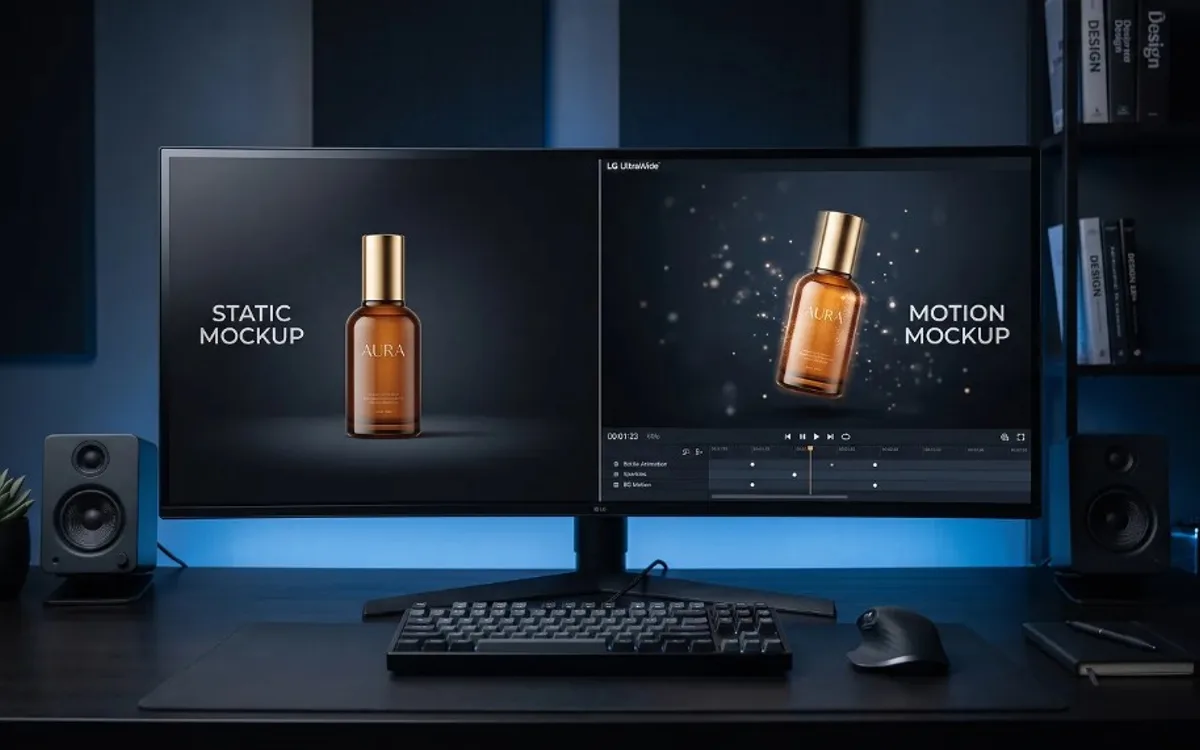
Static mockups show a design in one fixed moment, while motion mockups show it moving, transitioning, or animating over time. Neither one is universally better — each solves a different presentation problem, and the right choice depends on what the design needs to communicate and where it will be seen. Many workflows end up using both, built from the same source.
What a Static Mockup Does Well
A static mockup is a single, still image — a phone frame with an app screen inside it, a t-shirt with a logo on it, a laptop displaying a website. Its biggest strength is speed of comprehension: a viewer takes in the whole image in an instant, with nothing to wait for and nothing to load or play.
Static mockups also tend to be easier to use across more contexts. They drop cleanly into documents, slides, printed materials, portfolio grids, and anywhere a moving file simply isn’t practical. If you need something that works everywhere, without depending on autoplay or video support, static is the safer, more flexible option.
What a Motion Mockup Does Well
A motion mockup shows the design over time — a screen transitioning between two states, a product rotating, a card animating into view. Its strength is communicating things a still image physically can’t: interaction, flow, transformation, or a sense of how something feels to use rather than just how it looks frozen in place.
This matters most when the thing being shown genuinely involves movement in real use — an app’s transition animation, a UI element that expands or collapses, a scrolling interaction. Trying to explain these things with only static images usually requires several separate screenshots plus arrows or captions to describe what happens between them. A short motion mockup often communicates the same idea in a couple of seconds, with nothing left to interpret.
When Static Is the Better Choice
- The audience needs to understand the design instantly, without waiting for playback (like a printed portfolio, a PDF, or a slide that needs to work without internet access).
- The design itself doesn’t involve meaningful movement or interaction — a static screen, a poster, a single-state layout.
- The mockup needs to work across the widest possible range of platforms and formats without any compatibility concerns.
When Motion Is the Better Choice
- The design includes an interaction, transition, or animation that’s central to how it actually works.
- The content will be seen somewhere autoplay and looping are the norm — social feeds, websites, digital displays.
- You want the presentation itself to stand out, since motion content generally holds attention longer on platforms where everything else is static.
They’re Not Mutually Exclusive
A common, effective approach is to use both together: a motion mockup for engagement-heavy platforms like social media, and a still frame pulled from that same motion piece (via a simple pause-and-export) for anywhere a static image works better — a portfolio thumbnail, a printed handout, a slide in a pitch deck. This avoids creating two completely separate assets from scratch; the still is just one frame of the motion piece, captured at the right moment.
Frequently Asked Questions
Is a motion mockup always better than a static one?
No. Static mockups are faster to understand and work in more places, like documents, slides, and printed materials, where a video isn’t practical.
Can I get both a static and a motion mockup from one project?
Yes. Build the motion mockup first, then pause it at the right frame and export that frame as a still image, without starting a separate project.
When should I choose a motion mockup over a static one?
When the design includes an interaction, transition, or animation that’s central to how it works, or when it will be seen somewhere autoplay is the norm, like social feeds.
Choosing the Right Format for the Job
Choosing between static and motion mockups isn’t about which one looks more impressive — it’s about matching the format to what the design needs to communicate and where it will actually be seen. Frametion makes it easy to get both from a single workflow: build the motion mockup once, then pause the video at any frame and export a high-quality static image alongside it, without starting over in a separate tool.