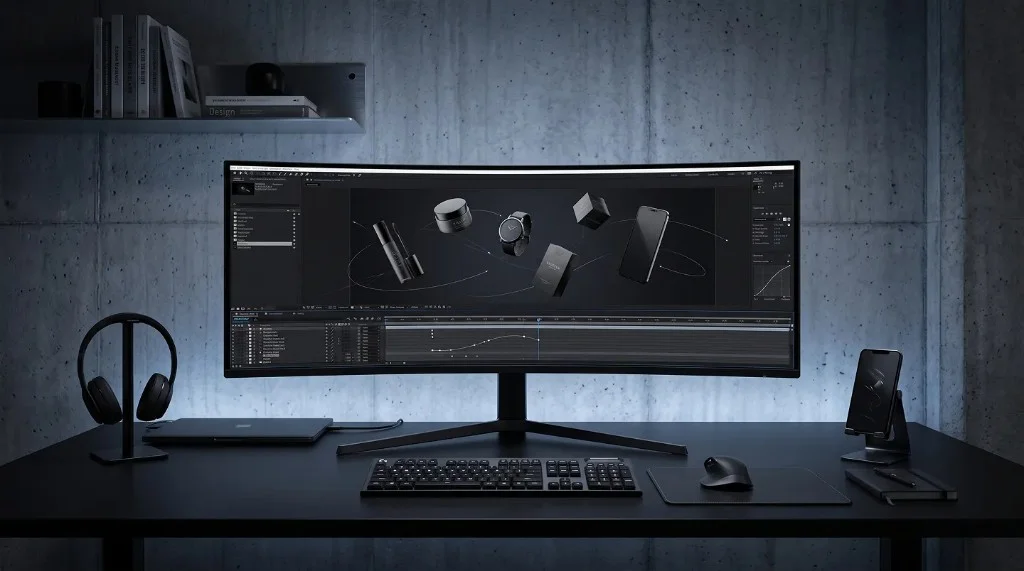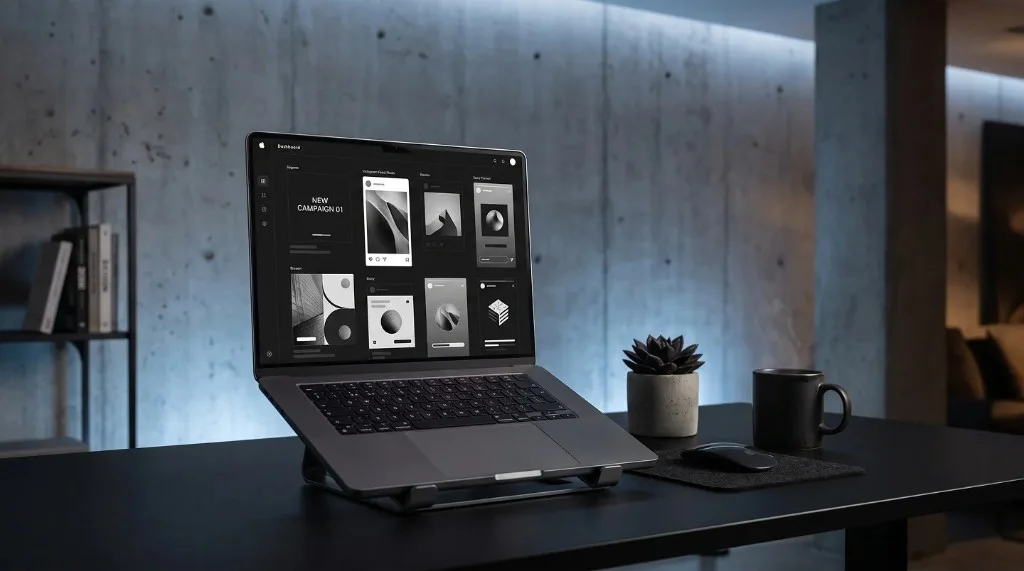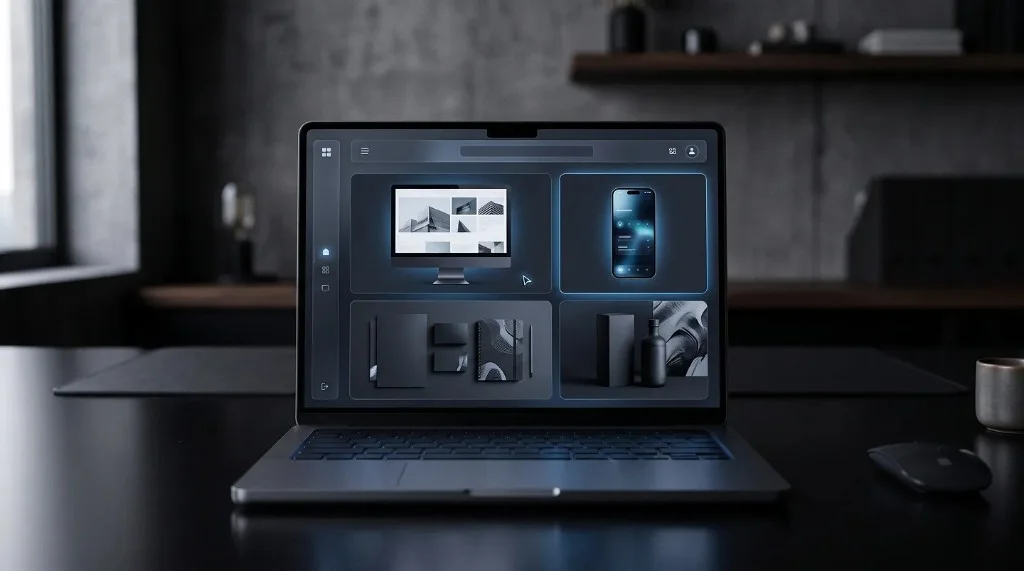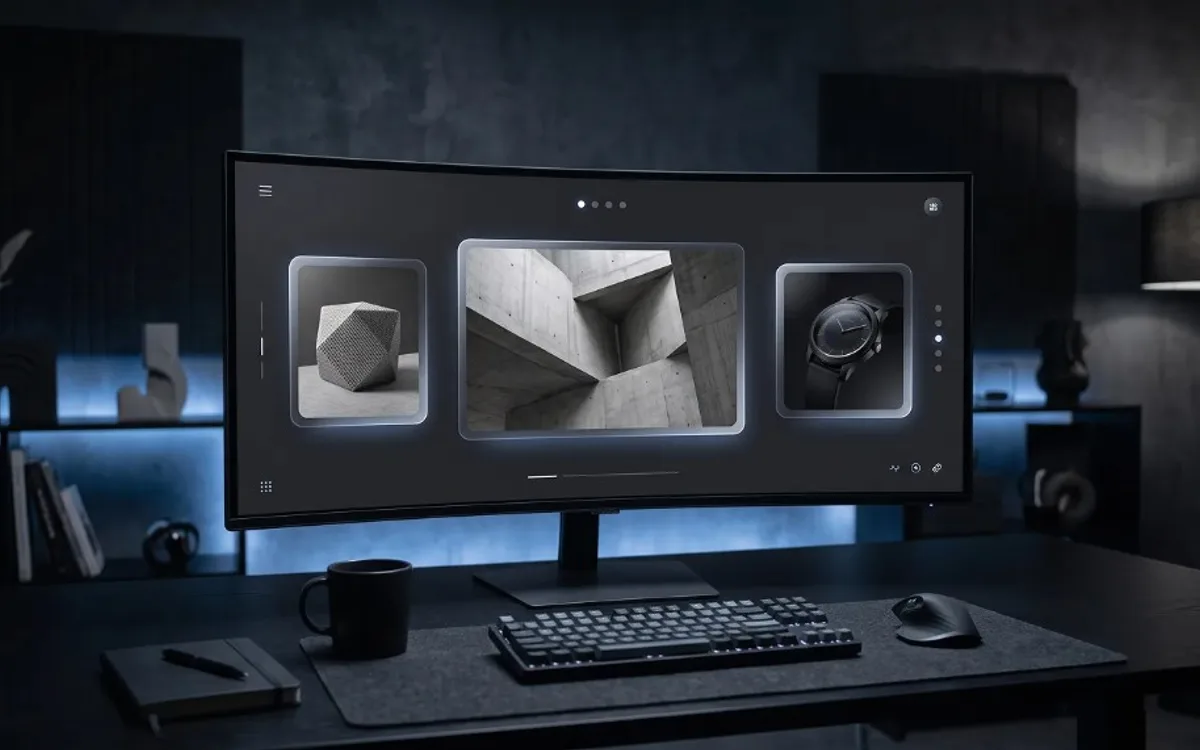
Presenting work professionally means placing it in a realistic context, keeping the styling clean and consistent, and using motion when it adds real clarity. A brilliant app interface shown as a plain, cropped screenshot loses most of its impact, while a modest design shown inside a clean, realistic mockup can look polished and market-ready. Presentation isn’t just packaging — it’s part of how quality gets perceived.
Why Presentation Shapes Perception
People judge work quickly, often within seconds. A design placed inside a well-composed mockup signals professionalism before a viewer even evaluates the design itself. A raw screenshot, on the other hand, can make even strong work look unfinished or rushed, simply because it lacks context.
Presentation isn’t about hiding flaws — it’s about giving the work the frame it deserves so the actual design can be judged fairly.
Give the Work Context
One of the biggest presentation mistakes is showing a design in isolation, disconnected from how it will actually be used. A mobile app screen floating on a plain background doesn’t communicate much. The same screen shown inside a realistic phone mockup, ideally in motion, immediately tells the viewer: this is a real product, made for real hands.
Context turns a flat image into a believable product experience.
Keep It Clean and Consistent
Professional presentation isn’t about adding more — it’s usually about removing distractions. A few principles help:
- Use consistent backgrounds and lighting across a set of mockups
- Avoid cluttered scenes that compete with the design itself
- Stick to a simple color palette that doesn’t clash with the interface
- Keep spacing and alignment consistent between multiple mockups shown together
Consistency signals intentionality. A portfolio where every mockup follows the same visual language feels curated, while mismatched styles feel like an afterthought.
Motion Adds a Layer of Polish
Static mockups are a strong baseline, but motion mockups take presentation further. Showing a screen scroll, a transition play out, or an interaction unfold gives viewers a sense of how the product actually feels to use — something a still image can never fully convey.
This is especially valuable for freelancers and agencies presenting work to potential clients. A moving mockup demonstrates not just the design, but the experience behind it, which often makes a stronger impression than a static gallery.
Where This Matters Most
Professional presentation has an outsized impact in a few key places:
- Portfolios — first impressions for potential clients
- Client proposals — where perceived quality can influence a decision
- Social media — where attention is limited and first impressions happen fast
- App store or product pages — where visuals often do more convincing than text
In all of these cases, the design work might be identical, but the presentation determines whether it gets noticed, trusted, and taken seriously.
Frequently Asked Questions
Does presentation really affect how design work is judged?
Yes. People judge quality within seconds, and a well-composed mockup signals professionalism before anyone evaluates the actual design.
What’s the easiest way to improve presentation without more work?
Removing distractions rather than adding them: consistent backgrounds, a simple color palette, and clean spacing across every mockup shown together.
Does every presentation need motion?
No, but motion adds a layer of polish that static images can’t, especially when showing clients the actual experience of using a product.
Where does professional presentation matter most?
Portfolios, client proposals, social media, and app store or product pages, where visuals often do more convincing than text.
Making Presentation Part of the Work
Presentation isn’t a finishing touch — it’s part of the work itself. A clean, consistent, well-framed mockup can elevate good design into something that looks genuinely professional, while a careless presentation can undersell even excellent work. For anyone looking to create polished, realistic mockups quickly, tools like the Frametion app make it easy to turn a simple screenshot or screen recording into a presentation-ready mockup in just a few clicks.