PNG is the better default for mockups because it preserves sharp UI edges without compression artifacts and supports transparent backgrounds, which JPG cannot do at all. JPG works fine when a mockup already has a full photographic background and file size matters more than pixel-perfect precision. When in doubt — especially with text, icons, or clean interface elements — choose PNG.
The Core Difference: Compression
JPG uses “lossy” compression, meaning it shrinks file size by discarding some image data — data that can’t be recovered once removed. This is a reasonable tradeoff for photographs, where tiny, imperceptible detail loss rarely matters and smaller files are valuable.
PNG uses “lossless” compression, meaning no image data is discarded. The file is typically larger, but every pixel is preserved exactly as it was created. For mockups — where sharp edges, clean UI elements, and precise colors matter — that difference is far from cosmetic.
Why This Matters for Mockups Specifically
Mockups usually contain flat colors, sharp lines, text, icons, and clean edges — think app interfaces, logos, or product screens. JPG’s compression tends to introduce soft artifacts around exactly these kinds of hard edges, sometimes visible as faint blurring or subtle color shifting near text and icon borders. It’s often subtle enough to miss at a glance, but noticeable enough to make a mockup feel slightly “off” compared to the original design.
PNG avoids this entirely, which is why it’s the standard choice for interface mockups, logos, and anything with text or sharp geometric shapes.
Transparency Is the Bigger Difference
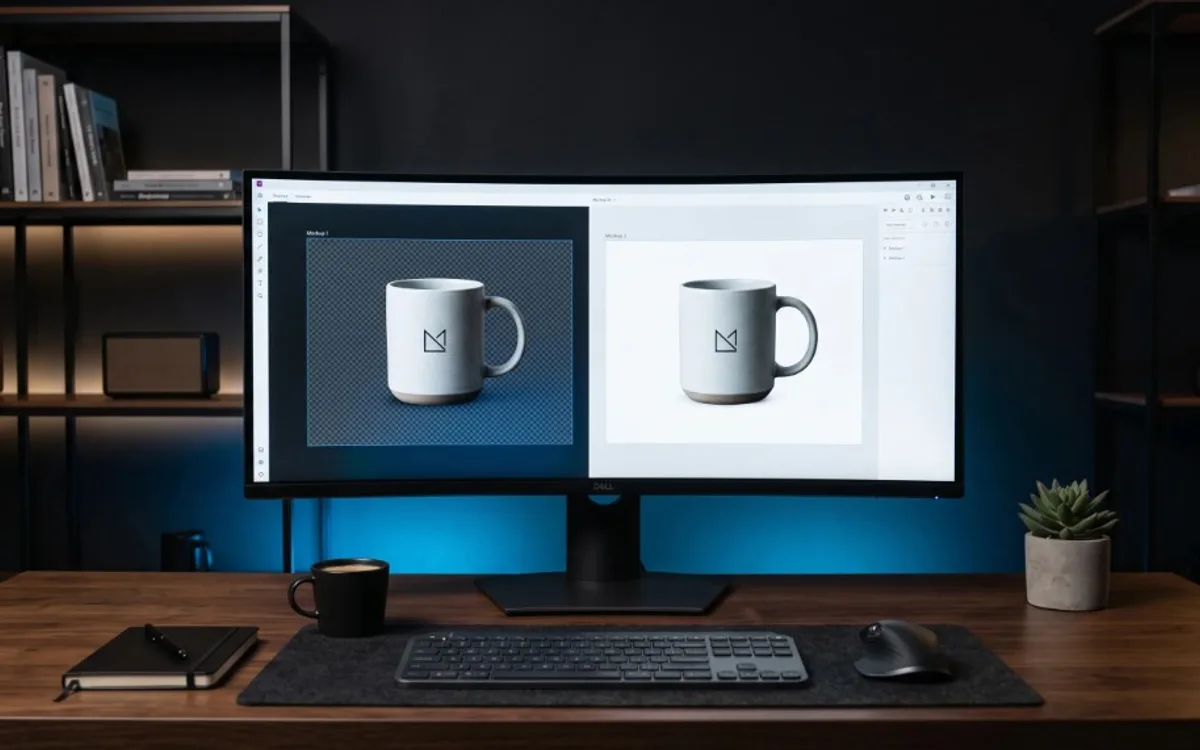
Beyond compression, there’s a more practical distinction: JPG cannot support transparency, while PNG can.
If you need a mockup that can be placed over any background — a colored backdrop, a photo, another design — without a visible box around it, PNG is the only option between the two. JPG will always fill any transparent area with a solid color (usually white), which defeats the purpose if the goal was a clean, floating asset.
This alone makes PNG the default choice for most mockup work, since mockups are frequently designed to be dropped into other scenes or layouts.
When JPG Still Makes Sense
JPG isn’t obsolete — it still has a place, particularly when:
- The mockup includes a photographic background or scene (a phone sitting on a wooden desk, for example) where fine compression artifacts are far less noticeable.
- File size genuinely matters more than perfect precision, such as bulk exports for quick previews or drafts.
- Transparency isn’t needed at all, because the mockup is meant to be used exactly as-is, background included.
In short: JPG is reasonable when the image is essentially a finished photo-like scene with no transparency requirement. PNG is the safer default whenever precision or transparency matters.
A Quick Way to Decide
Ask two questions:
- Does this need a transparent background? If yes, it has to be PNG — JPG isn’t capable of it.
- Does this contain sharp UI elements, text, or clean edges? If yes, PNG will preserve them more faithfully than JPG’s compression allows.
If the answer to either question is yes, PNG is the right call. If the answer to both is no — a photographic scene with no transparency needs — JPG can save space without a meaningful quality tradeoff.
Frequently Asked Questions
Should I always use PNG for mockups?
Use PNG whenever the mockup needs a transparent background or contains sharp UI elements, text, or icons — which covers most mockup work.
When is JPG a better choice than PNG?
When the mockup already has a full photographic background, doesn’t need transparency, and smaller file size matters more than pixel-perfect precision.
Can JPG support transparent backgrounds?
No. JPG always fills transparent areas with a solid color, usually white, so PNG is the only option when transparency is required.
Does PNG affect image quality?
PNG uses lossless compression, meaning no image data is discarded, so sharp edges, text, and colors stay exactly as created.
The Default Choice for Mockup Exports
Choosing between PNG and JPG comes down to what the mockup needs to do once it leaves your workspace: sit cleanly on any background, or exist as a finished, self-contained image. When you’re not sure, PNG is almost always the safer default for design and UI work. If you want mockups exported correctly without manually managing format settings, Frametion lets you pause a video at any frame and download it as a high-quality PNG or JPG, including transparent backgrounds when you need them.