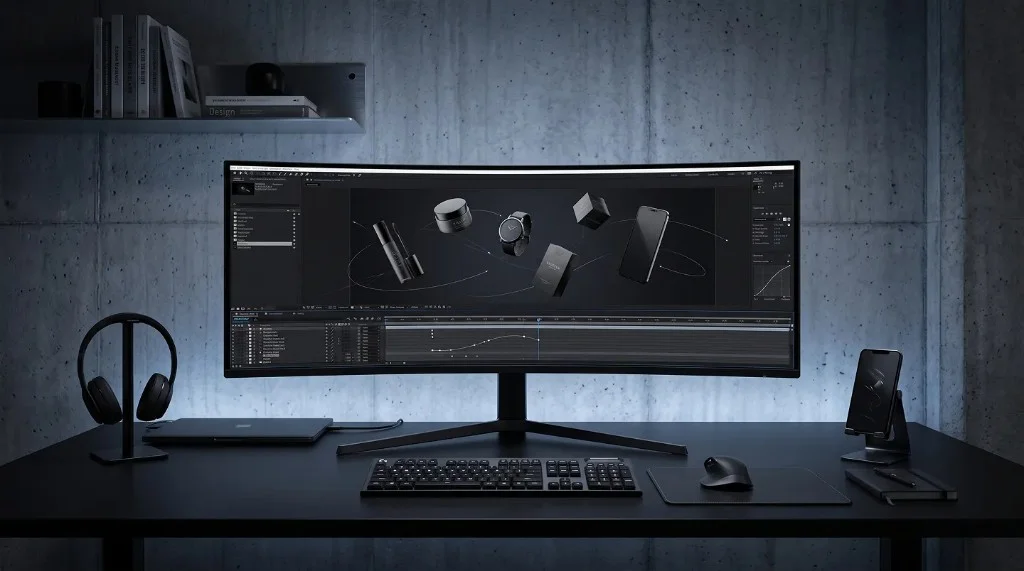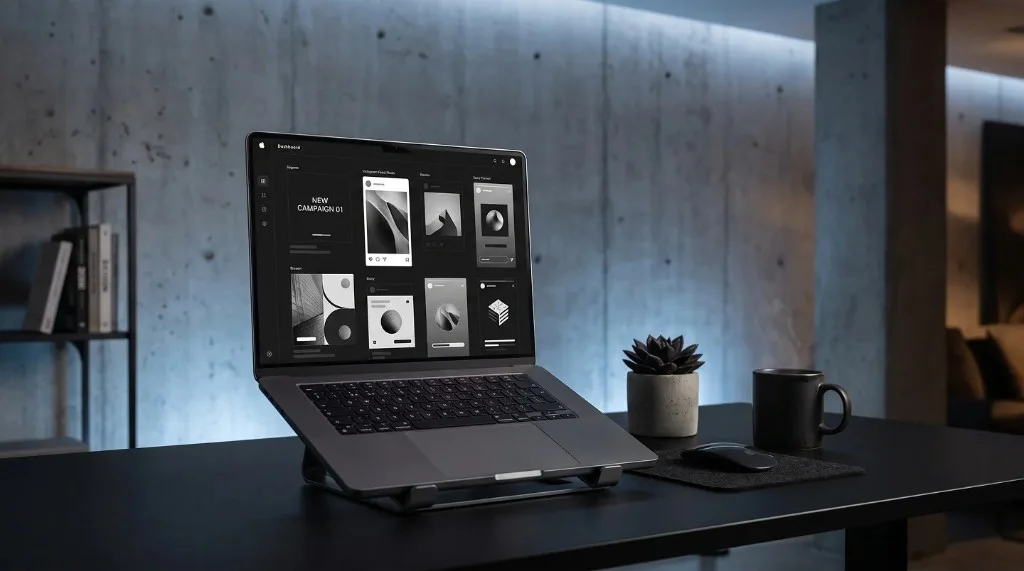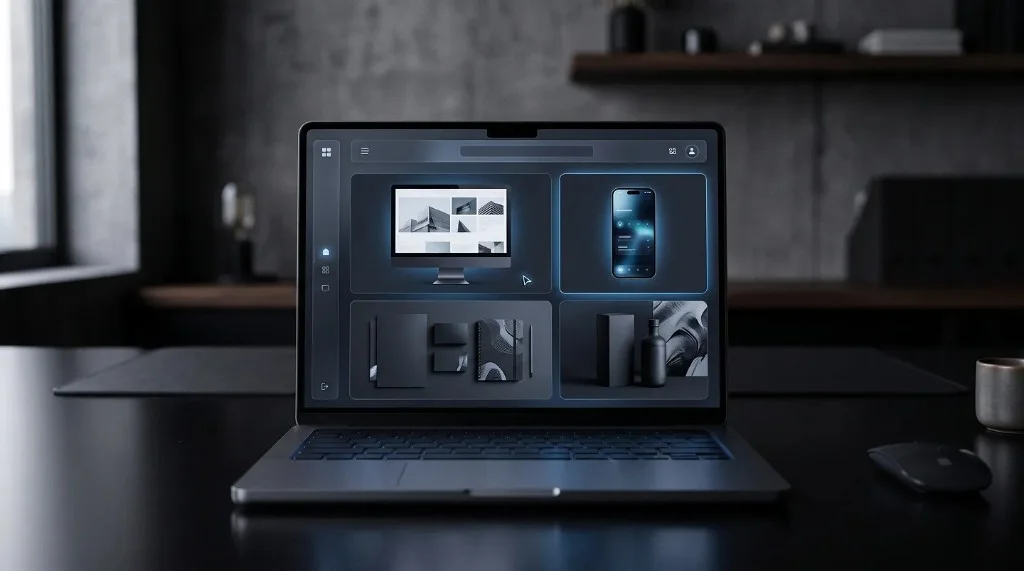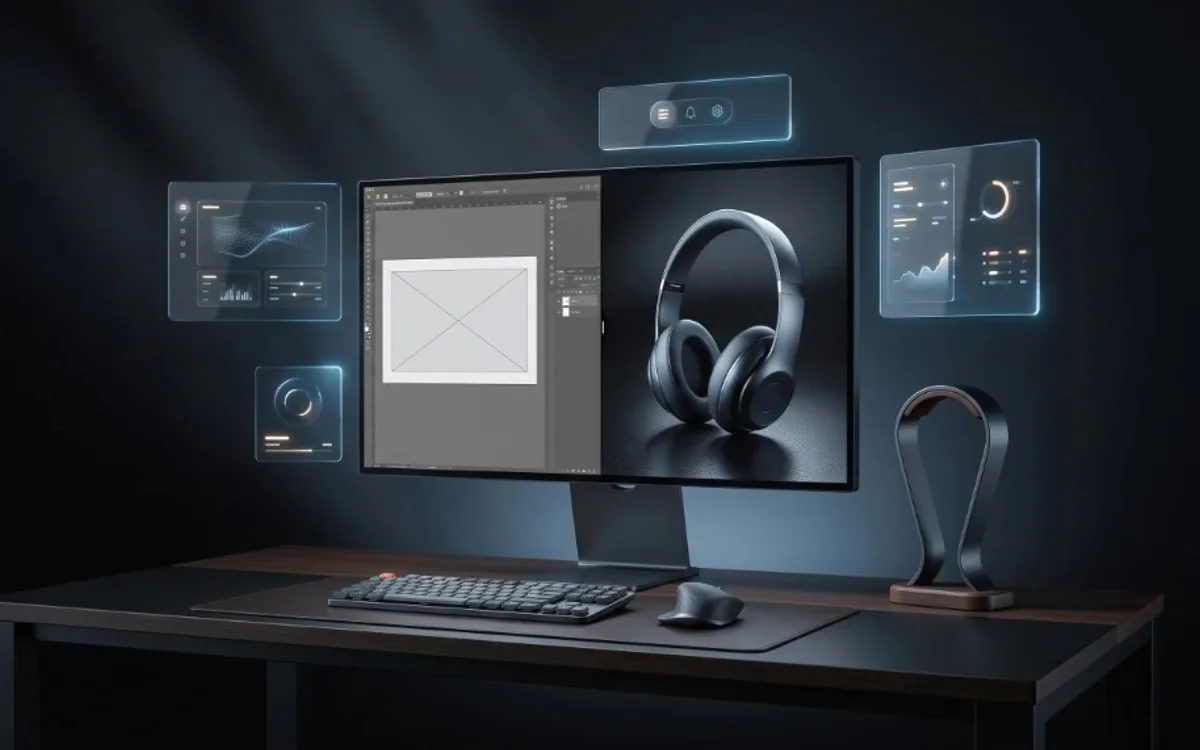
A real screenshot is a flat, literal capture of a screen, while a mockup places that same content inside a realistic, styled scene like a phone frame or laptop display. Screenshots are faster and fine for internal use, bug reports, or documentation. Mockups look more polished and trustworthy, which makes them the better choice whenever you’re presenting work to a client, customer, or audience.
What a Real Screenshot Actually Is
A screenshot is a direct capture of a screen exactly as it appears. It is honest and accurate, but it is also flat. There is no context, no framing, and often no visual polish. A screenshot of an app usually includes things like a status bar, browser edges, or awkward cropping that was never meant to be seen by an audience.
Screenshots are useful for documentation, bug reports, or quick internal sharing. But when it comes to presenting your work to clients, customers, or followers, a raw screenshot rarely makes the best impression.
What a Mockup Adds
A mockup takes that same content, your app screen, your website, your design, and places it inside a realistic and polished scene. Instead of a flat rectangle, you might see your app displayed inside a phone frame, angled slightly, with clean lighting and a simple background.
This small shift changes everything about how the content feels. It no longer looks like a screenshot someone quickly took. It looks like a finished product being presented intentionally. That difference matters a lot when you are trying to convince someone, whether that is a client approving a design or a customer considering a purchase.
Why the Difference Matters for Trust
People judge quality quickly, often without realizing it. A raw screenshot can unintentionally make even a great design look unfinished or rushed. A mockup, on the other hand, signals that thought and care went into the presentation, which naturally makes people trust the product or design more.
This is especially important for freelancers and small businesses. Clients often cannot tell the difference between a good design and a great one just by looking at code or raw files. What they can judge is presentation. A polished mockup makes your work look more professional before anyone even evaluates the details.
When a Screenshot Is Still the Right Choice
Mockups are not always necessary. There are situations where a plain screenshot is actually the better option:
- Sharing quick internal updates with a team
- Reporting a bug or issue
- Documenting steps in a tutorial
- Situations where speed matters more than presentation
In these cases, a screenshot gets the job done without needing any extra effort.
When a Mockup Is the Better Choice
A mockup becomes valuable whenever presentation matters, such as:
- Showing a client a finished design before launch
- Adding work to a portfolio
- Creating social media posts to promote a product or app
- Pitching an idea to investors or stakeholders
- Making an app store listing look more appealing
In all of these situations, a mockup helps your work compete visually with everything else the viewer has seen that day.
Turning a Screenshot into a Mockup
The good news is that you do not need design skills to make this upgrade. Instead of manually placing an image inside a frame using design software, you can use ready-made templates that already include the framing, lighting, and layout.
With Frametion, you simply upload your screenshot or image into a template, adjust its position with simple sliders, and preview the result instantly. Once it looks right, you can pause the preview and export a high-resolution mockup as a PNG or JPG, with a transparent background if needed.
A simple workflow looks like this:
- Take your existing screenshot or design image.
- Choose a mockup template that fits the context, such as a phone, laptop, or card layout.
- Upload the image and adjust size and position.
- Export the final result as a still mockup, ready to share or present.
You can complete this entire process inside the Frametion app, without opening any design software.
Frequently Asked Questions
Is a mockup always better than a screenshot?
No. A screenshot is still the right choice for bug reports, internal updates, and quick documentation where speed matters more than polish.
Why do mockups feel more trustworthy than screenshots?
Because they add context and remove the rough edges of a raw capture, like status bars and awkward cropping, signaling that thought went into the presentation.
Can I turn an existing screenshot into a mockup?
Yes. Upload the screenshot into a mockup template, adjust its position, and export the result — no design software is required.
What format should a mockup be exported in?
PNG if you need a transparent background to drop the mockup into another layout, or JPG if it’s a finished, standalone image with a full background.
Choosing Between a Screenshot and a Mockup
A real screenshot and a mockup serve different purposes. Screenshots are fast and accurate, which makes them useful for internal or technical situations. Mockups add context and polish, which makes them far more effective anytime you are presenting your work to someone whose opinion matters, like a client, customer, or follower.
If your screenshots have been doing the heavy lifting in your portfolio or social media, it might be time to give them an upgrade. Explore the templates inside Frametion and turn your plain screenshots into polished, presentation-ready mockups in just a few minutes.