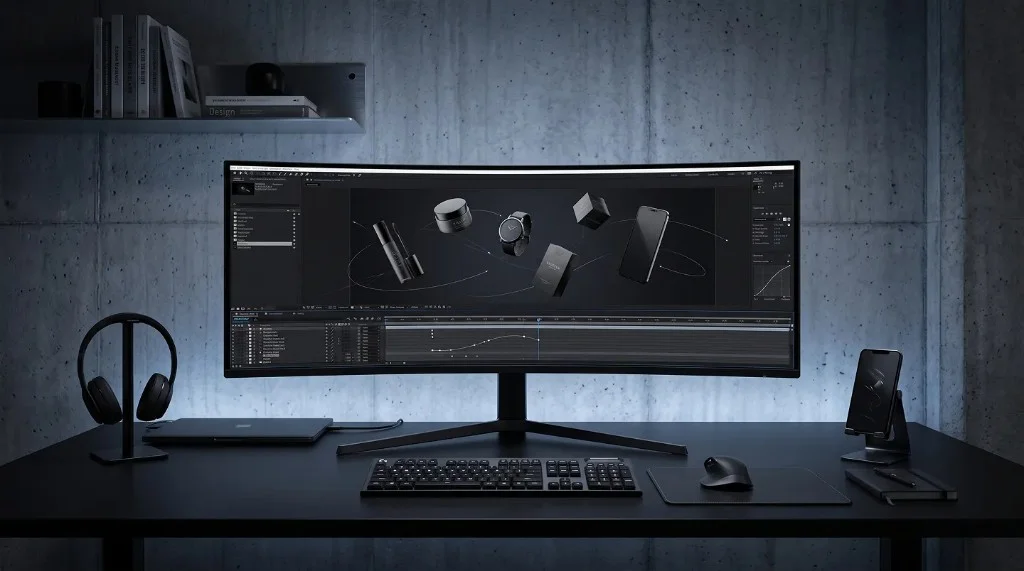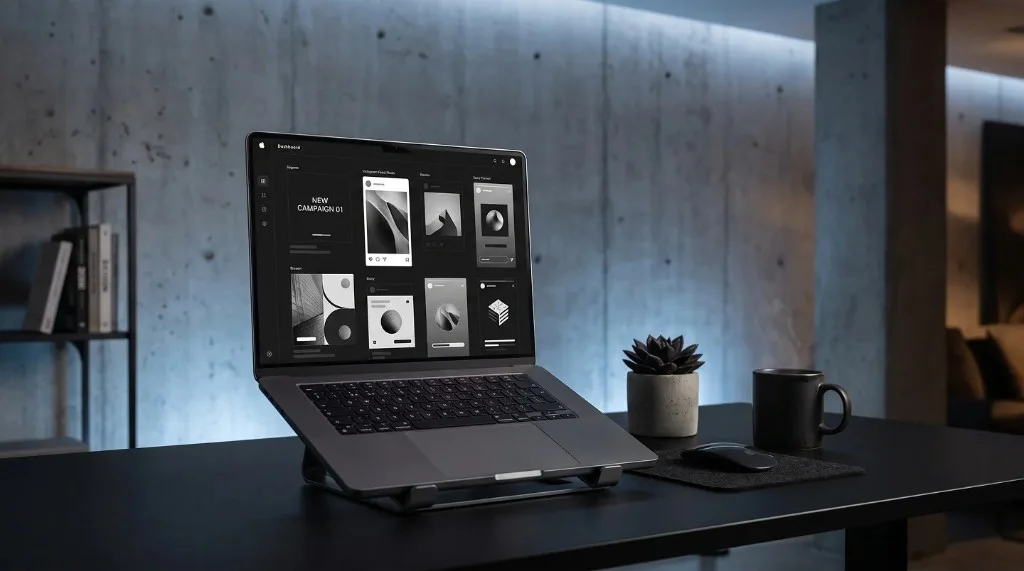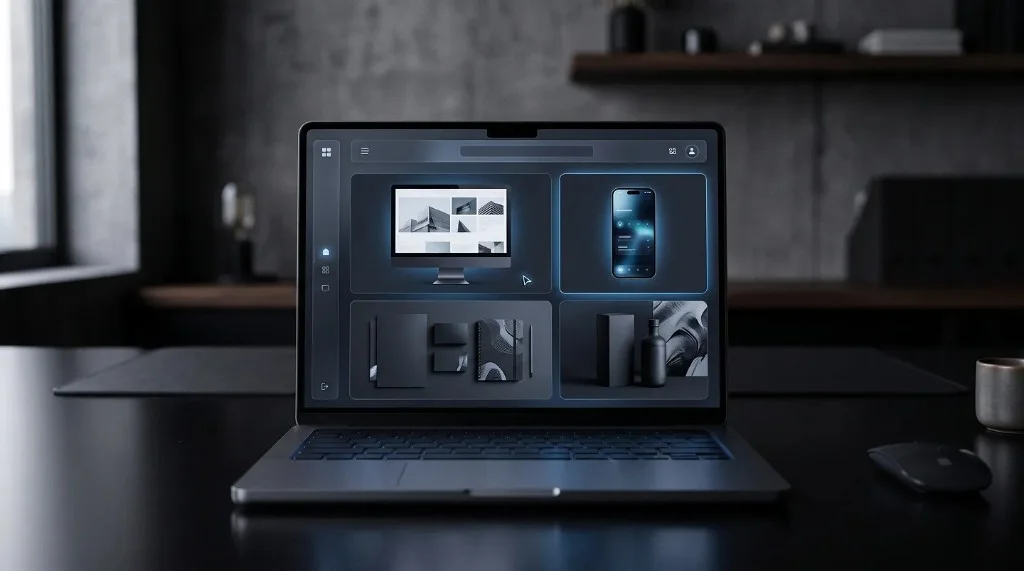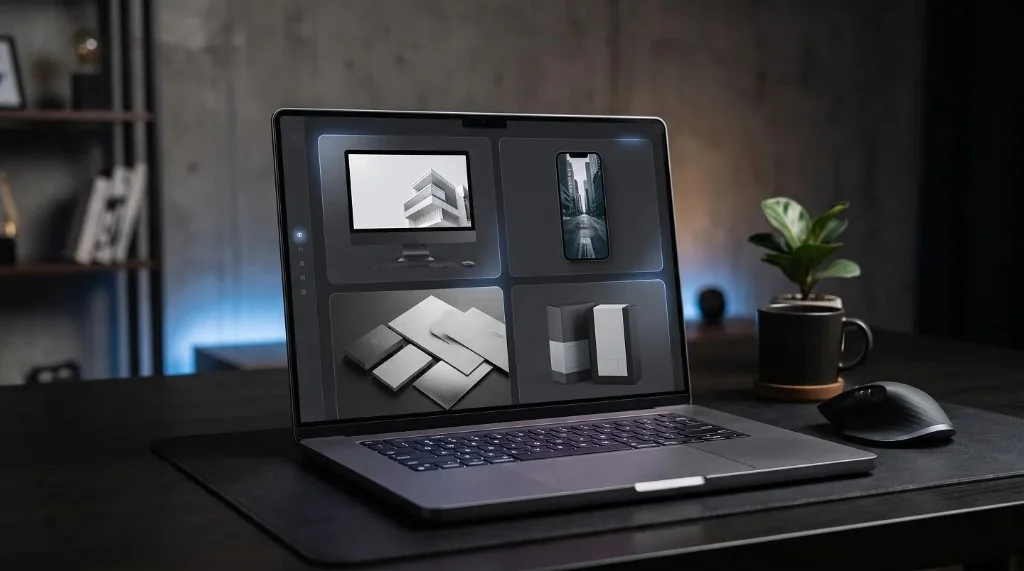
Mockups that convert show work in realistic context, keep the design as the focus rather than the frame, and stay visually consistent across the whole portfolio. Motion mockups convert even better than static ones because they show the actual product experience, not just its appearance. Placing the strongest mockup first also keeps visitors scrolling instead of leaving early.
Why “Converting” Matters More Than “Looking Nice”
It’s easy to focus on making a portfolio look polished and forget the actual goal: getting a potential client to reach out. A portfolio can be visually appealing and still fail to convert if it doesn’t clearly communicate skill, credibility, and relevance to what a visitor is looking for.
Mockups help bridge that gap. They don’t just make work look better — they help a visitor quickly understand what the work actually is and how it would apply to their own project.
Realistic Context Builds Trust Faster
A flat screenshot asks a viewer to mentally fill in the gaps: what device is this for, how big is it, does it feel real? A mockup answers those questions instantly. Seeing an app displayed inside a realistic phone frame, or a website shown on a laptop screen, immediately signals that the design isn’t just a concept — it’s a finished, usable product.
That sense of realism builds trust faster than a plain image ever could, and trust is often the deciding factor before someone reaches out.
Motion Mockups Push This Further
Static mockups already outperform bare screenshots, but motion mockups take the effect a step further. A short clip showing a screen scroll, a button tap, or a smooth transition demonstrates the actual experience of using the product, not just its appearance.
For a potential client comparing several portfolios, a moving mockup often stands out simply because most competitors are still showing static images. That contrast alone can make a portfolio memorable.
What Makes a Portfolio Mockup Convert
A few practical choices tend to separate mockups that convert from mockups that merely decorate:
- Show the work in its real context. Mobile designs in phone mockups, desktop designs on larger screens.
- Keep the focus on the design, not the frame. The mockup should support the work, not distract from it.
- Use consistent styling across the portfolio. A unified look feels intentional and professional.
- Prioritize clarity over flashiness. A clean, readable mockup converts better than an overly elaborate one.
Placement Matters Too
Where a mockup appears in a portfolio matters almost as much as the mockup itself. Leading with the strongest, most polished mockup at the top of a portfolio or case study tends to hold attention long enough for a visitor to keep scrolling — and keep considering reaching out.
Frequently Asked Questions
Do motion mockups convert better than static ones?
Yes, generally. Motion mockups show the actual experience of using a product, which stands out against portfolios that only show static images.
Where should the best mockup go in a portfolio?
Near the top. A strong, polished mockup early in a portfolio or case study holds attention long enough for a visitor to keep scrolling.
Does every portfolio need motion mockups?
No. Static mockups already outperform bare screenshots. Motion is an added advantage, not a requirement.
What’s the fastest way to create portfolio-ready mockups?
Tools like the Frametion app let you drop a screenshot or recording into a template and export a polished mockup without design software.
What This Means for Your Portfolio
A portfolio doesn’t convert because the design work is good alone — it converts when that work is presented in a way that feels real, credible, and easy to understand at a glance. Mockups, especially motion mockups, are one of the most effective tools for making that happen. For creators looking to turn existing screenshots or recordings into portfolio-ready mockups quickly, the Frametion app makes the process simple and fast.