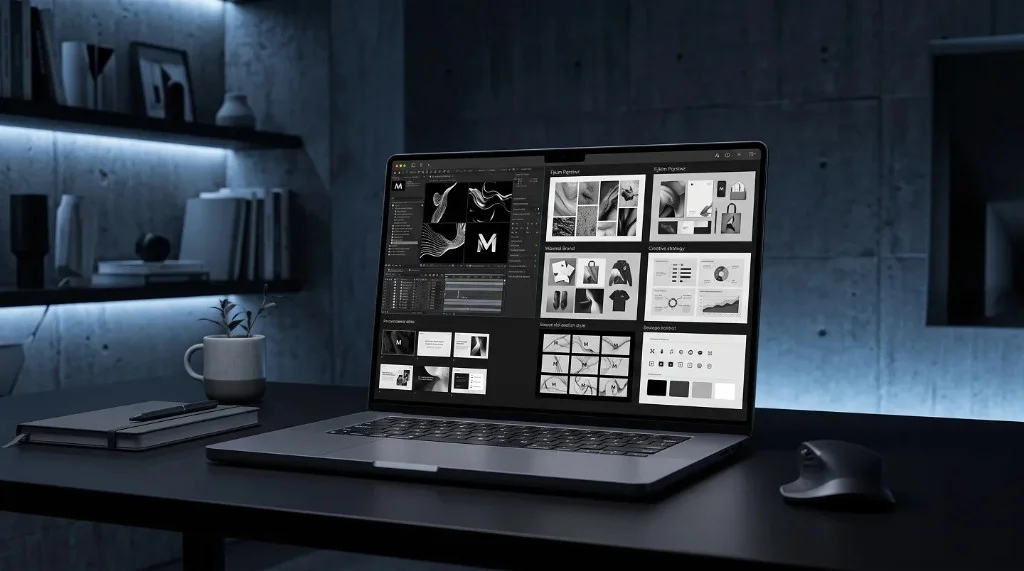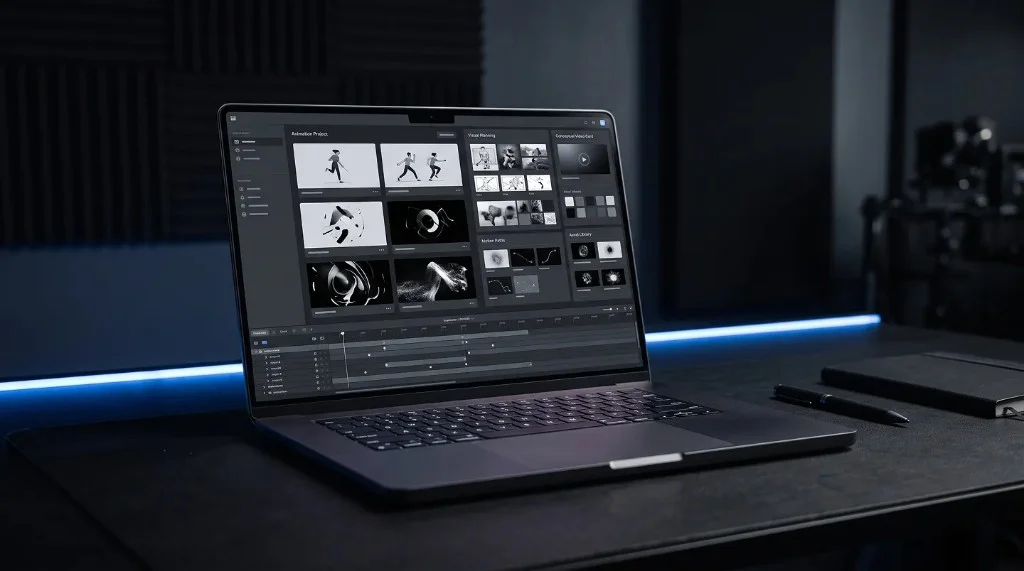
Freelancers can use motion video in portfolios, case studies, outreach pitches, and social proof content to stand out from competitors who only post static screenshots. It works because it demonstrates skill and effort in a format most freelancers aren’t using well, or at all — not because it’s flashy. None of this requires deep animation expertise; most effective freelance motion content is built from templates.
Why Motion Works So Well for Freelancers
A static portfolio image shows the result of your work. A motion video can show the quality of your work in a way that’s harder to fake or template — smooth transitions, thoughtful pacing, and clean presentation all signal a level of care that a still image can’t fully communicate on its own.
It also solves a very practical problem: attention. Clients scrolling through freelancer profiles, portfolio sites, or social feeds move quickly. Motion naturally holds attention a little longer than a static image, giving your work more time to make an impression before someone moves on.
Where Motion Content Actually Helps
Portfolio pieces — Instead of showing a flat screenshot of a website or app design, a short looping animation of the interface in use communicates far more about the actual experience.
Case study presentations — Walking through a project’s before-and-after, or showing a design system in motion, makes case studies feel more like a demonstration and less like a slideshow.
Outreach and pitches — A short, polished motion clip attached to a cold pitch or proposal stands out from the wall of plain text most freelancers send. It doesn’t need to be long — even a few seconds of well-made motion can leave a stronger impression than paragraphs of description.
Social proof content — Turning a finished project into a short, shareable motion piece gives freelancers something to post that showcases real work, rather than generic tips or advice content.
You Don’t Need to Be a Motion Specialist
A common misconception is that motion content requires deep animation expertise — timelines, keyframes, easing curves. In reality, a huge amount of effective freelance motion content is built from templates: pre-made animated scenes where you drop in your own images, adjust a few settings, and export. The skill isn’t in building the animation from scratch — it’s in choosing the right template and images for the project at hand.
This matters because it means motion content is accessible to freelancers who aren’t dedicated animators — a designer, a social media manager, or a marketer can all use motion presentation without needing to learn a full animation toolkit.
Building a Habit Around It
Motion content is most effective when it becomes a normal part of how you present finished work, not a special one-off effort. A simple habit that works well: whenever a project wraps up, spend a few extra minutes turning the final result into a short looping mockup or clip before moving on. Over time, this builds a portfolio that’s naturally more dynamic than one made purely of static screenshots, without requiring extra dedicated production time later.
It’s a Presentation Habit, Not a Technical Skill
Motion content gives freelancers a way to stand out that’s more about presentation habits than technical skill — and it compounds over time as your portfolio fills with dynamic, polished work instead of flat screenshots. Frametion makes this easy to keep up with: drop your project images into a ready-made motion template, preview the animation live in your browser, and export a polished video loop or mockup in minutes.
Frequently Asked Questions
Do freelancers need animation skills to use motion video?
No. Most effective freelance motion content is built from templates where you drop in your own images and adjust a few settings, rather than animating from scratch.
Where should freelancers use motion video first?
Portfolio pieces and outreach pitches tend to have the biggest impact first, since they’re what clients see before deciding to respond.
How much time does adding motion to a finished project take?
Just a few extra minutes per project is usually enough to turn a finished result into a short looping mockup or clip.