Motion videos grow audiences faster than still images because they hold attention longer, and social platforms reward posts that keep people watching. You do not need a camera or editing skills to make them — most effective motion content is built from existing photos and screenshots animated with templates. Posting a simple motion video regularly tends to outperform posting one highly polished video occasionally.
Why Motion Content Grows Faster
Social platforms are built around attention. The longer someone looks at a post, the more the platform tends to show it to others. A still image gets a quick glance. A moving image tends to hold the eye a little longer, simply because our brains are wired to notice change and movement.
This small difference adds up. A post that holds attention for an extra second or two often gets more engagement, which can lead to more reach, more followers, and more visibility over time.
Motion content also feels more current. Feeds are full of static posts, so something that moves naturally stands out just by being different from everything around it.
You Do Not Need to Film Anything
One of the biggest myths about motion content is that you need a camera, filming skills, or expensive equipment. In reality, a lot of the most effective motion content online is not filmed at all. It is built from still images, like product photos, screenshots, or simple graphics, animated using templates.
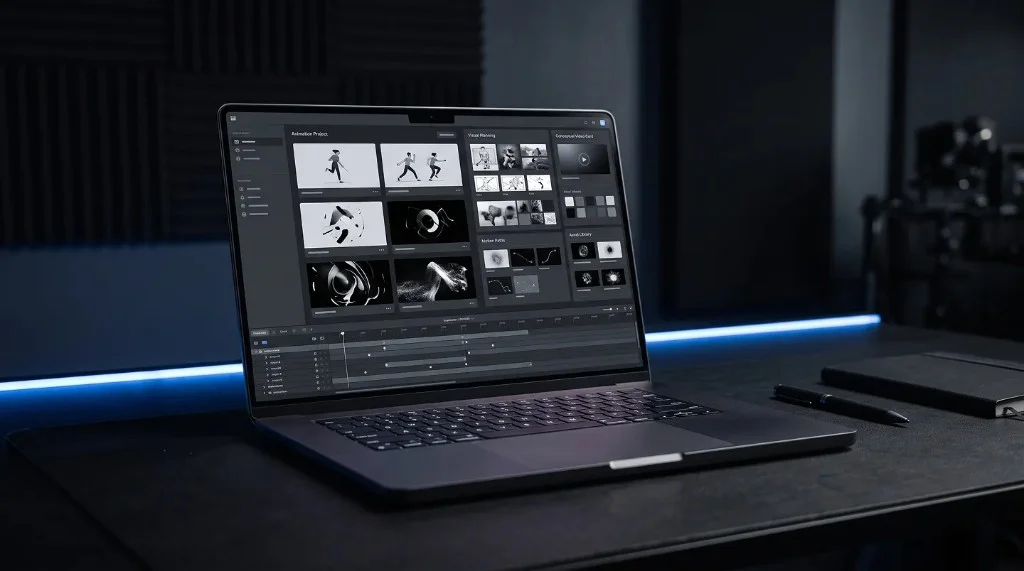
This is a huge advantage for creators and small business owners. You can turn photos you already have into a short animated clip without ever picking up a camera. Tools like Frametion are built exactly for this: you upload your existing images into a ready-made motion template, preview the animation, and export it as a video ready to post.
Simple Ways to Use Motion for Growth
You do not need a complicated content strategy to start seeing results. Here are a few simple, proven ways creators and small businesses use motion content to grow:
Product highlights – turn a set of product photos into a short animated showcase that rotates or slides through each item.
Before and after reveals – use a card or stack animation to transition from one image to another, which works well for transformations or comparisons.
Quote and tip graphics – animate a simple text card so it feels more dynamic than a plain static quote post.
Portfolio pieces – turn a series of past projects into a smooth, scrolling motion reel that is far more engaging than a static grid.
Each of these can be built in a few minutes using ready-made templates, without needing any animation experience.
Consistency Matters More Than Perfection
A common mistake is waiting until you can create the perfect, highly polished video before posting anything. In reality, consistency tends to matter more than perfection when it comes to growth. Posting a simple, clean motion video regularly will usually outperform posting one highly detailed video once a month.
This is another reason templates are so useful. Since the timing and movement are already built in, you can create a new piece of motion content in a short amount of time, which makes it much easier to stay consistent.
Turning Motion Content into Client Work
Growing your own audience is one benefit of motion content, but it can also become a service you offer to others. Many small businesses do not have the time or skills to create their own animated content, which creates an opportunity for creators and freelancers.
If you already know how to build simple motion videos, you can offer this as a service to local businesses, online shops, or personal brands that want their social media to stand out. Since templates handle most of the technical work, you can deliver polished results quickly, which makes it easier to take on multiple clients without spending hours on each video.
A simple way to start is by creating a few sample videos using your own images or free stock photos, then sharing them as examples of what you can offer. Tools like the Frametion app make this easy, since you can build a small portfolio of motion samples without needing any prior animation experience.
A Simple Way to Get Started
If motion content is new to you, here is a simple way to begin:
- Pick one type of content you already post, such as product photos or quote graphics.
- Choose a motion template that fits that style.
- Upload a few images you already have and preview the animation.
- Export the video and post it where you would normally post a static image.
- Compare how it performs against your usual posts.
This small test is often enough to show the difference motion content can make, without requiring a big investment of time.
Why Motion Videos Are Accessible to Anyone
Motion videos are one of the most accessible ways to grow an audience today, mainly because they no longer require filming, editing skills, or animation experience. With ready-made templates, anyone can turn existing images into scroll-stopping content in just a few minutes.
If you want to try this for yourself, explore the templates inside Frametion and turn your own images into your next piece of motion content.
Frequently Asked Questions
Do I need a camera to make motion videos?
No. Most effective motion content is built from existing photos, screenshots, or graphics animated with templates rather than filmed footage.
How often should I post motion videos to see growth?
Posting consistently, even a simple video once or twice a week, tends to outperform posting one highly polished video occasionally.
Can motion videos help me get freelance clients too?
Yes. The same skills and templates used to grow a personal page can be offered as a service to small businesses that lack time to create their own content.